Kids invite templates

AI helper (new)

Post to socials

Customer happiness guarantee
New: email invites with Blocks that keep everything tidy—add a registry link, guest list, party details, directions, and extras guests actually need, all in one neat place.
AI tools for a one-of-a-kind look (and any image you can imagine)
Use AI to craft a fresh theme, punchy wording, and a layout that feels made for your child—not a generic “birthday template.”
Generate custom visuals to match the vibe (dinos, space, football, rainbows, gaming) and slot them straight into the design for instant personality.
Create Kids' party invitations in 5 steps
Start with the kids format
Choose Kids' party invitations and set the theme or character direction.
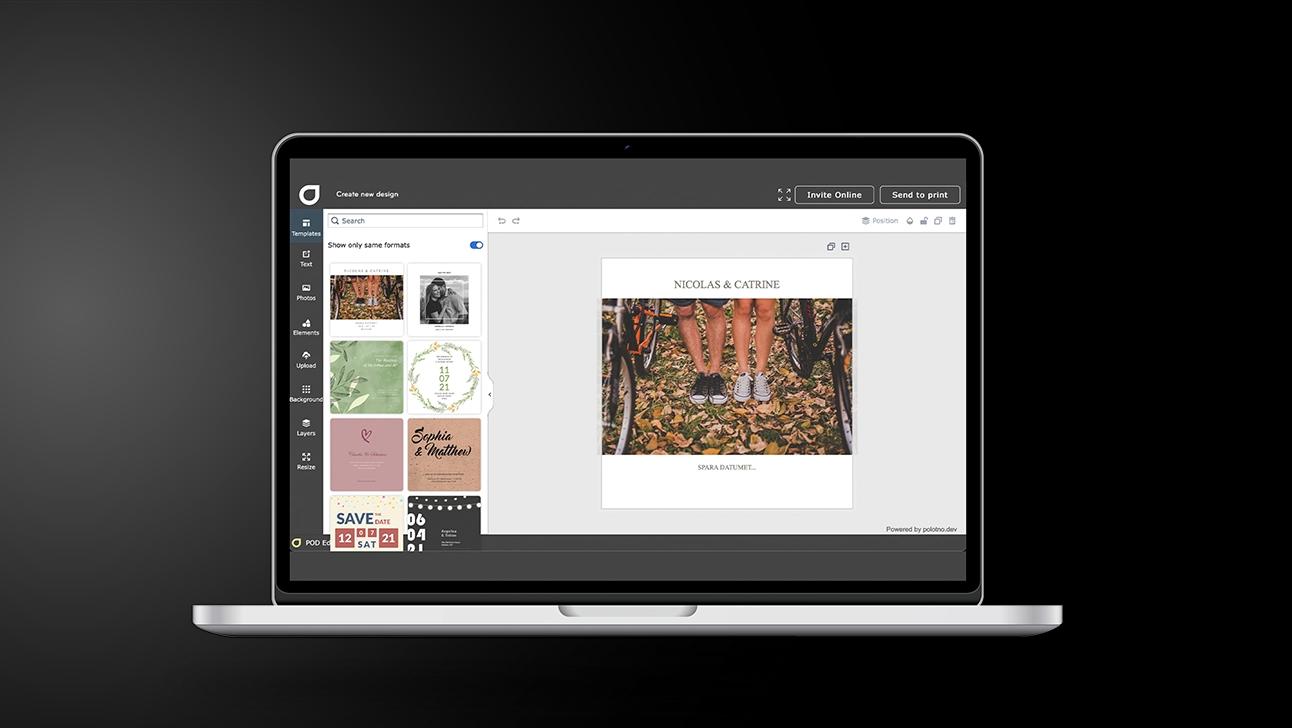
Pick a template that pops
Use filters to find a design with the right energy and plenty of room for details.
Fill in the key info
Date, time, location, plus helpful bits like contact number and any special instructions.
Make it feel personal
Add a photo, adjust colours, and include a short video clip for a playful touch.
Send it out
Share on socials for speed, or send by email if you need RSVP tracking and oversight.
New background removal makes photos party-ready
Remove messy backgrounds from photos in seconds, so the birthday kid pops cleanly on the invitation.
Drop them onto a bold colour or fun scene and you’ve got a polished, print-worthy look—no editing software, no faff.
Find the right template fast with search and filters
Browse thousands of kids’ party templates and narrow down by theme, age, style, colour, or format—so you’re not scrolling forever.
Share on social for the best last-minute solution
Send a link on WhatsApp, Instagram, or Messenger when plans change or a few extra kids join—quick to open, easy to forward, hard to miss.
Add video clips when sharing via social
Attach a short video invite, a theme teaser, or a cheerful “See you there!”—video boosts excitement and helps guests remember the details.
Bright, playful invitations for every birthday celebration
Design and send joyful cards with ease.
FAQ
Yes. You can browse lots of themed designs via search/filters, then upload photos and tweak fonts, colours, and layout.
Yes — email delivery supports optional info blocks you control, from registry and details to photo boards and message boards.
Video works too. You can add your own clip or pick one from the built-in video library.
All type of invites


Begin with a template