

Grad invite templates

Post to Facebook

Image boost

Customer happiness guarantee
Graduation invitations can be shared instantly via email or social media, with access to a tracking page showing RSVPs, guest lists and special requests.

Create standout invitations with the new AI assistant
The new AI assistant supports creative exploration by suggesting visual styles, layout ideas and design directions tailored to graduation celebrations.
This guidance helps transform a simple concept into a distinctive graduation invitation that feels intentional and well-balanced.
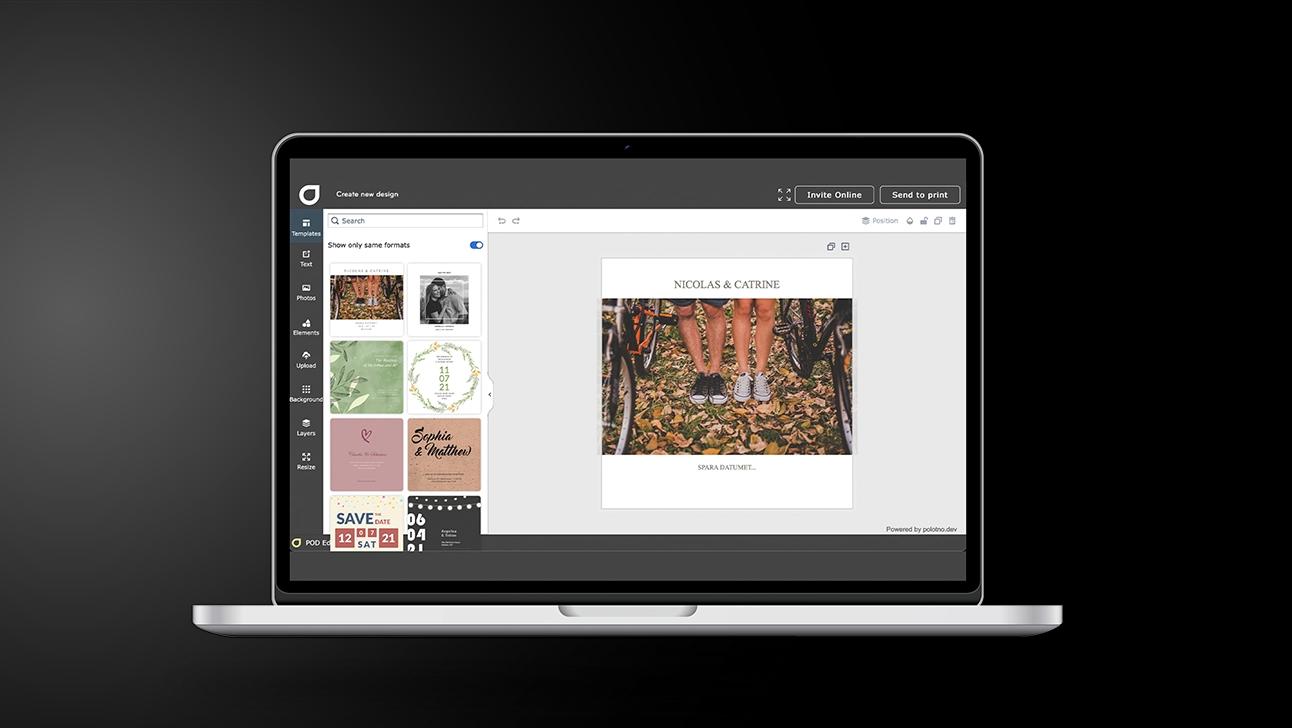
Graduation invitations: 5 steps from template to send
Choose how you’ll use it
Plan for digital sharing, a print-ready download, or a mix of both.
Start with a strong base
Find a template by searching themes, colours, and layouts that suit the occasion.
Add the event details
Include names, time, venue, and any extras; keep it readable on mobile.
Set up replies and info (optional)
Enable RSVP tracking and add sections like accommodation or a message board.
Send it out
Share on socials for speed, or send by email if you want guest tracking and RSVP overview.
Start quickly with ready-made graduation templates
Graduation templates provide a strong starting point, allowing photos to be uploaded and content customised within minutes.
Layouts are designed for clarity and flexibility, making it easy to adapt text, colours and imagery without slowing down the process.
Free photo library with graduation-related imagery
The built-in photo library includes thousands of free images, including visuals suitable for graduation themes. These resources help enrich the design without additional costs.
Reorder and create matching cards via My Pages
All designs are stored in My Pages, making it easy to reorder invitations or create matching thank you cards if additional guests are invited later.
Thousands of modern backgrounds to enhance any design
A wide range of contemporary backgrounds can be added to graduation invitations, allowing the visual style to be refined and personalised further.
Celebrate your graduation with unforgettable invitations
Design and share personalised grad cards with smart AI tools.
FAQ
Graduation invitations can be saved in various file formats, offering flexibility for digital sharing, archiving or future reuse.
Yes — the online invite format includes RSVP tracking and optional info blocks (registry, accommodation, message board, and more).
Animation is supported for online invites: you can start with an animated template or add your own clip/video.
More products
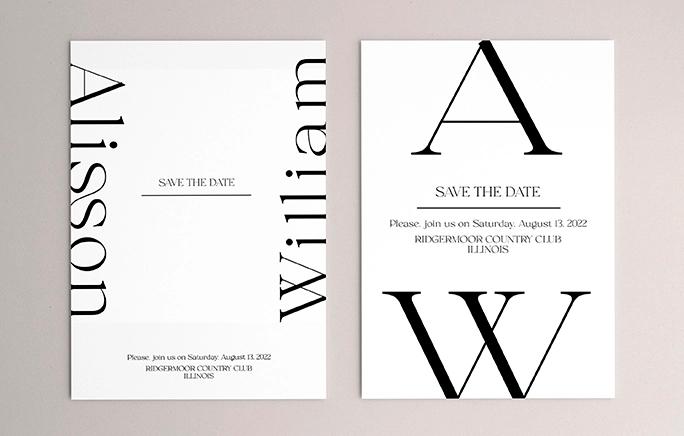



Begin with a template