Corporate templates

Marketing-ready

Ecard in minutes

Customer happiness guarantee
Digital corporate invitations can include video clips, such as product previews or announcements. This turns the invitation into an engaging first touchpoint for the event.
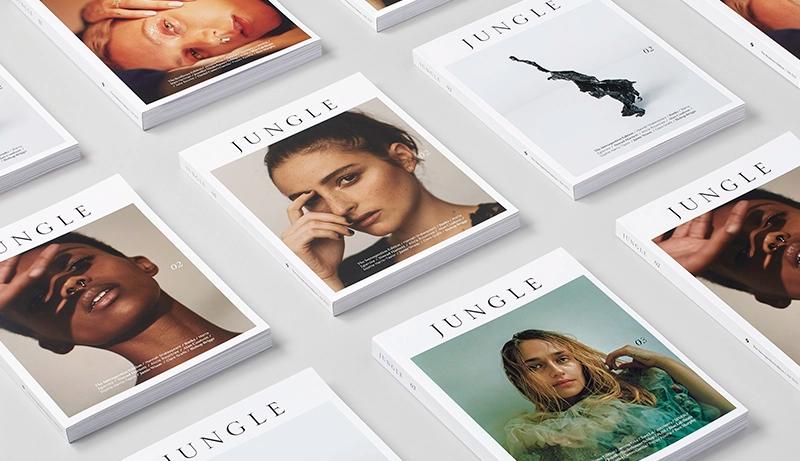
Free background and image library for event designs
A free library of backgrounds, images and graphic elements is available for corporate invitations. Content can be browsed easily by style or theme.
Custom images and objects can also be uploaded to the design. This ensures each invitation fits the event and brand identity precisely.
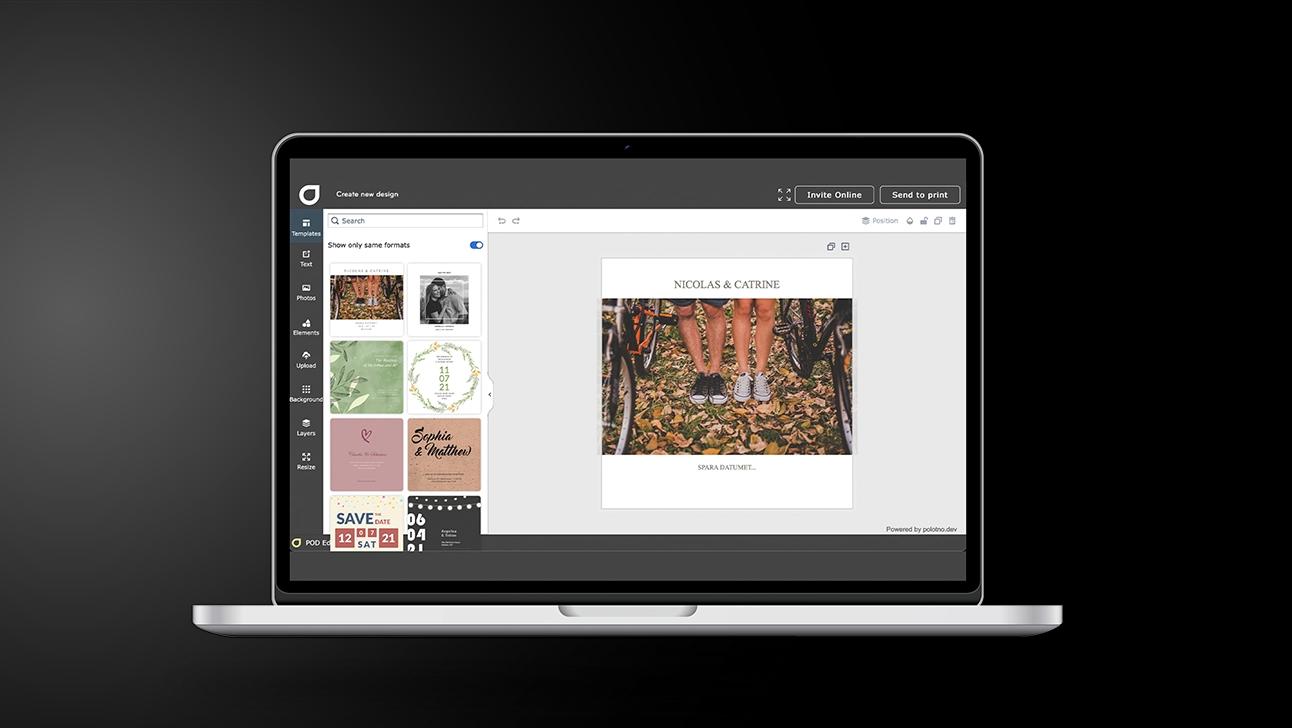
Corporate invitations: 5 steps from brief to send
Set the intent
Decide what success looks like (attendance, sign-ups, meetings) and who you’re targeting.
Shape the content flow
Put the hook first, then practical details, then a single action you want taken.
Strengthen with visuals
Add brand imagery (and video if helpful) to increase confidence and interest.
Make joining frictionless
Add a QR code that points to registration/info and double-check readability on mobile.
Send with purpose
Social for quick circulation; email when RSVP oversight and follow-up are required.
Corporate fonts and custom typeface uploads
Hundreds of professional corporate fonts are available inside the design tool. They support both formal communication and modern brand expression.
If a required font is missing, custom typefaces can be uploaded. Uploaded fonts are saved and reused across all company stationery.
AI assistance for logos and event-specific content
The AI assistant helps generate logos and written content suited to the event. It supports messaging that aligns with the event’s purpose and audience.
Thousands of professionally designed templates
Thousands of templates created by professional designers are available. They provide a structured and reliable starting point for corporate invitations.
Save and reuse designs across marketing materials
Event invitation designs are saved automatically and easy to retrieve. The same design can be applied to flyers, note cards and other materials.
Corporate invitations that drive real engagement
Design and share high-impact event invites with AI tools.
FAQ
Advanced tools such as QR code generators and quote libraries are included. They expand design options while remaining intuitive to use.
Yes — on Corporate invitations you can generate a QR code right in the editor and match it to your exact brand colour using your colour code. It’s easy to place it neatly with proper spacing so it scans reliably while still looking clean and on-brand.
Free assets are included: a large library of high-res images and backgrounds you can search and add instantly.
Other important marketing tools


Begin with a template