Easter templates

Share digitally

Easy design

Customer happiness guarantee
Easter cards are a thoughtful way to send seasonal greetings. Creating a personalised Easter card on the platform is quick and easy.

Choose from hundreds of fonts or upload your own
Choose from hundreds of fonts designed to match Easter themes and seasonal visuals. Different styles help define the tone, from playful to more refined.
If the ideal font is not available, upload your own typeface. It will be saved and ready to use across future Easter designs.
A simple Easter Cards workflow you can reuse every year
Decide what kind of card it is
A warm hello, a business greeting, or a casual invite for Easter Sunday.
Pick a design direction
Choose a template that matches the mood (bright, minimal, traditional, playful).
Write the message, then trim
Keep it short, friendly, and readable; add names and a neat sign-off.
Add the personal touch
Photo, free illustration, or a subtle animation if you’re sending it digitally.
Share it out
Post on socials or email it directly; save the project so late recipients are easy to add.
Browse the image and background library
Browse a rich library of Easter images and backgrounds using smart filters. This makes it easy to find visuals that support your message.
Combine images and colours to create balanced Easter greetings. The design feels intentional and visually coherent.
Start with easy-to-customise Easter templates
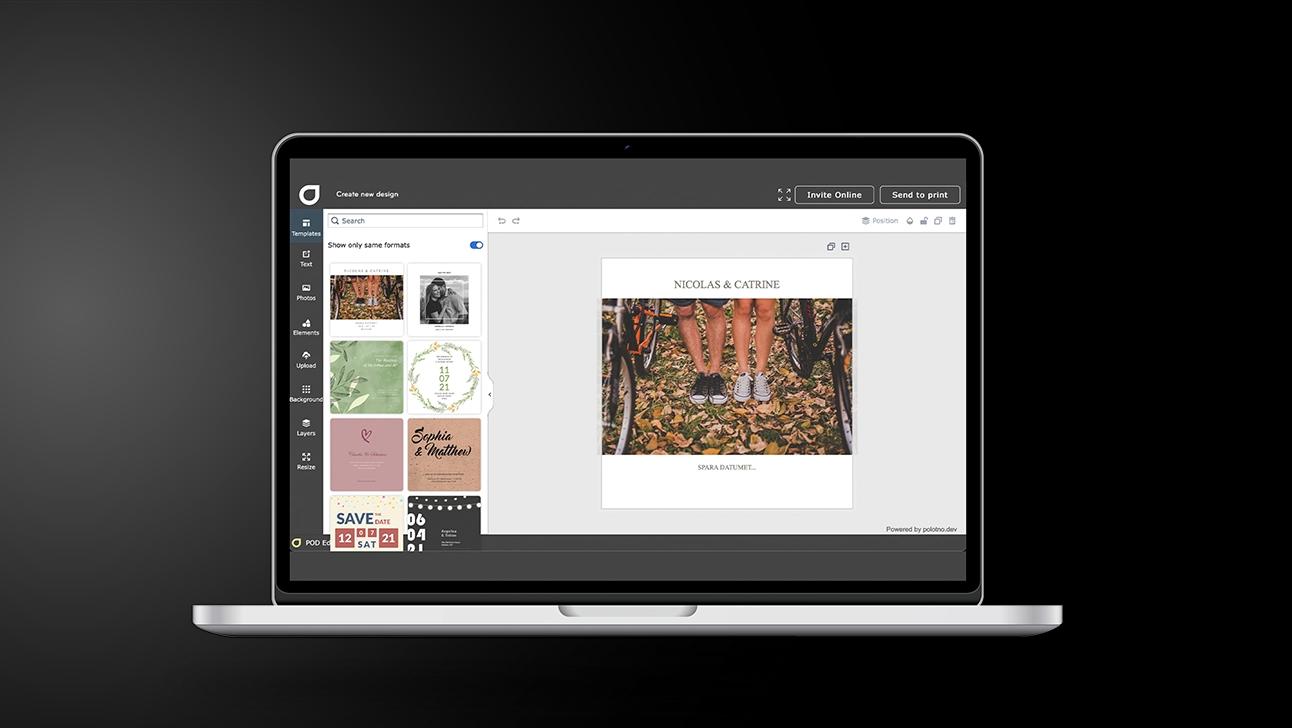
Use hundreds of Easter templates as a starting point and personalise them with photos and text. This speeds up the design process without limiting creativity.
Apply modern design tools with confidence
Use drawing tools or remove image backgrounds with a single click. These features help achieve clean and professional-looking results.
Share Easter greetings instantly on social media
Share Easter greetings online with one click once the design is ready. Friends and family receive the card immediately.
Easter cards that celebrate renewal and hope
Design and share spring greetings with AI tools.
FAQ
Invite guests to Easter dinner via email and access a tracking page with RSVP responses. Planning becomes clearer and easier to manage.
Yes — it can create unique visuals and suggest wording and design directions to shape a polished Easter card.
You can choose from hundreds of Easter card templates and personalise them with photos or video, swap fonts, and tweak the look. There’s also a free image library with thousands of visuals, including Easter themes.
After Easter


Begin with a template