Business cards templates

Free logos

QR code ready

Customer happiness guarantee
The new AI tool helps create logos and business card designs that deliver a strong professional first impression and establish credibility from the very start.
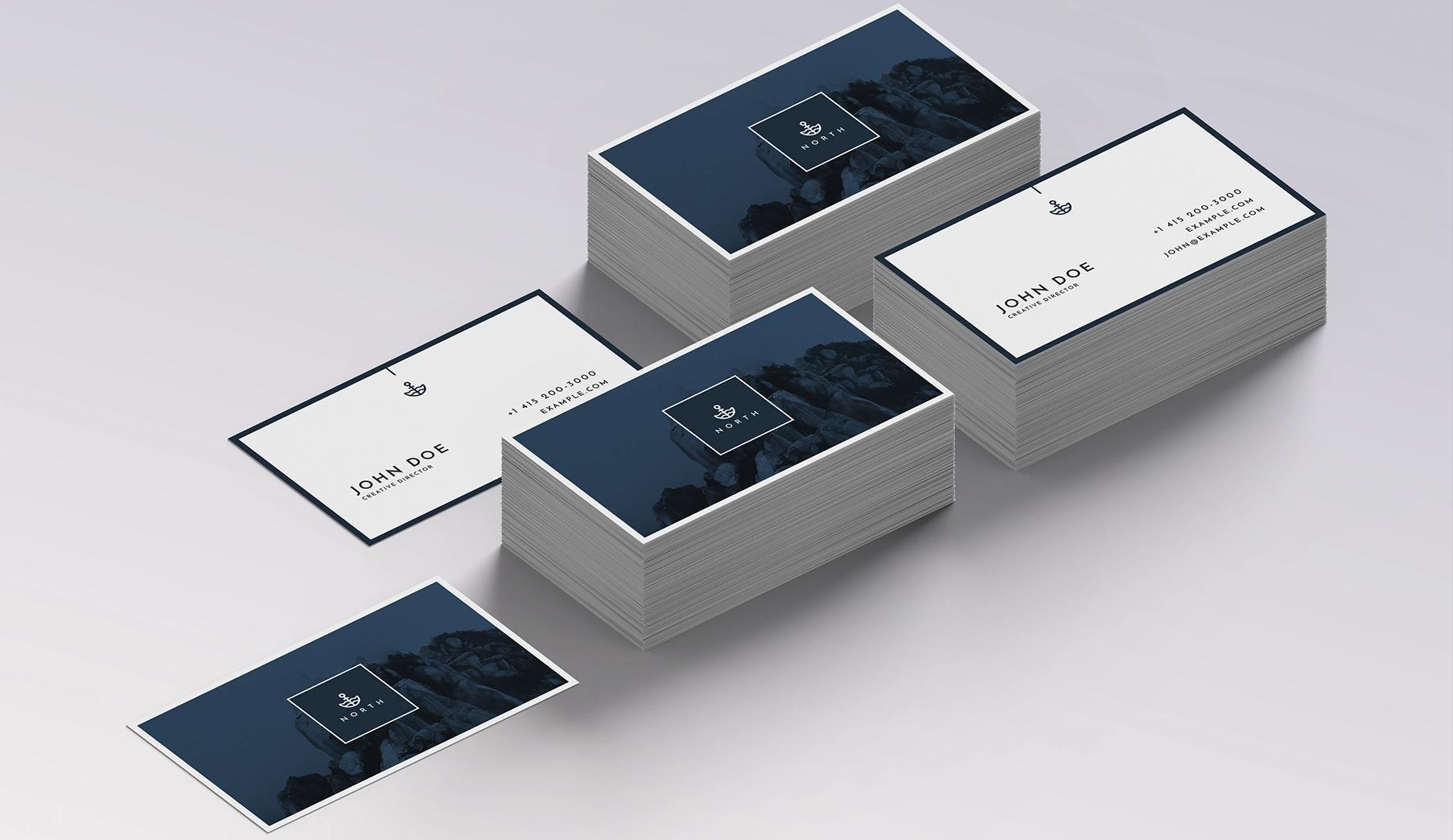
Build matching company stationery starting with business cards
Business cards are often the foundation of a company’s visual identity. Once created, the same design can be applied to note cards, letterheads and more.
All stationery products are available within the same platform. This ensures visual consistency across every business touchpoint.
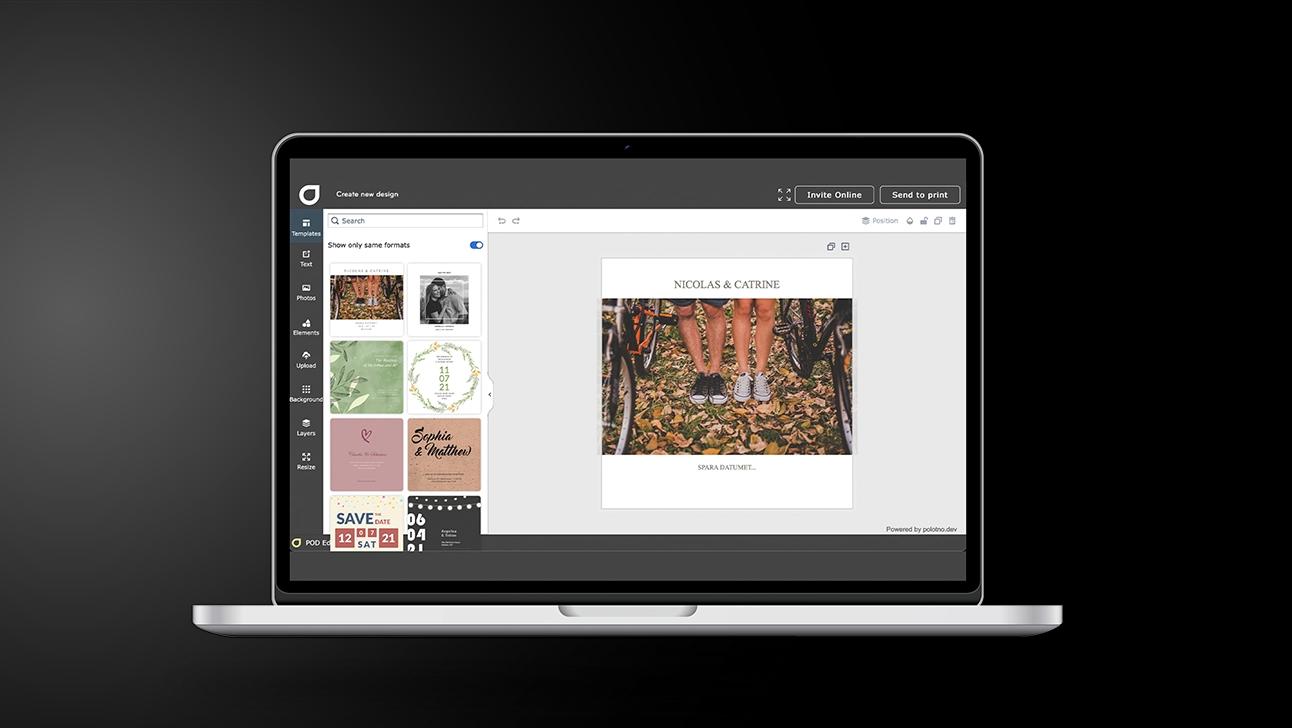
Business cards in 5 steps: clean, credible, memorable
Choose your message
Decide what you want people to remember (service, role, or brand promise).
Pick a template with balance
Look for layouts with strong spacing and clear type hierarchy.
Personalise details
Add the must-haves, then tighten copy so it’s quick to read on first glance.
Add a modern touch
Include a QR code if useful, and keep branding consistent with logo and colour choices.
Save and export
Download a high-resolution file for printing and store the design for quick reorders later.
Continuously evolving design tools and custom typefaces
Design tools are constantly updated to improve the business card creation process. Hundreds of professional typefaces are available directly in the editor.
If the right font is not available, custom typefaces can be uploaded easily. This makes it simple to align designs with existing brand guidelines.
AI assistance to create a complete corporate brand
The AI assistant supports the creation of a full corporate identity, starting with business cards as the first stationery item. This approach ensures consistency across all future materials.
Automatically saved designs for easy reordering
All designs are saved automatically and remain accessible at any time. This allows quick reorders or updates when new products are needed.
Unlimited free libraries of backgrounds, photos and colours
Free libraries of backgrounds, photos and colour palettes are available without limits. These resources make it easier to create distinctive and polished designs.
Business cards that make a lasting impression
Design professional cards easily with AI-powered tools.
FAQ
Thousands of business card designs are available, created by both in-house and external designers. This wide selection supports inspiration and fast project starts.
Yes. It can guide you toward the right layout for your industry, help you build a consistent stationery set, and create fresh logo options.
Yes. The design elements are saved to your profile, making it simple to reuse the same look on other items.
Explore all resources


Begin with a template