Wedding invitations templates

Matching set

Share on socials

Customer happiness guarantee
A wedding invitation is often kept for life. The design platform makes it possible to create truly personal invitations, where creativity defines the result.
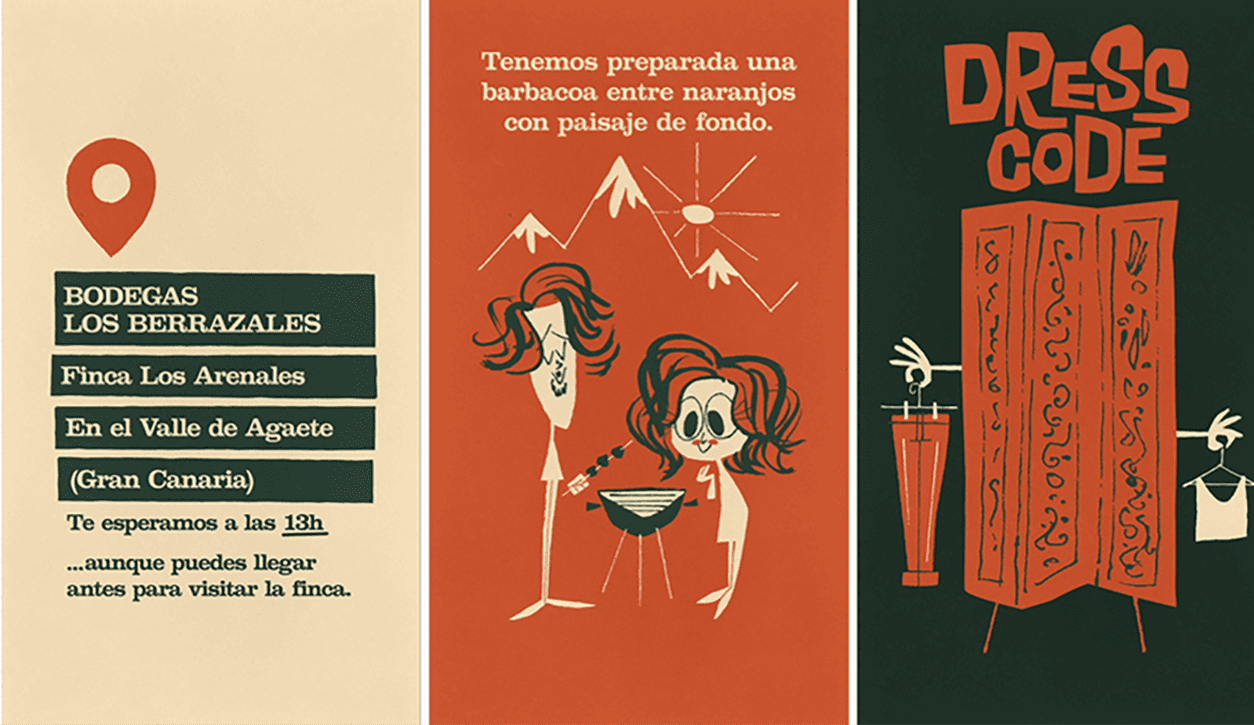
Thousands of templates to find the perfect starting point
The template library includes thousands of wedding invitations in different styles and moods. Search and filter tools make it easy to narrow down the right design.
Each template is fully customisable and works as a flexible foundation. This speeds up the design process without limiting creativity.
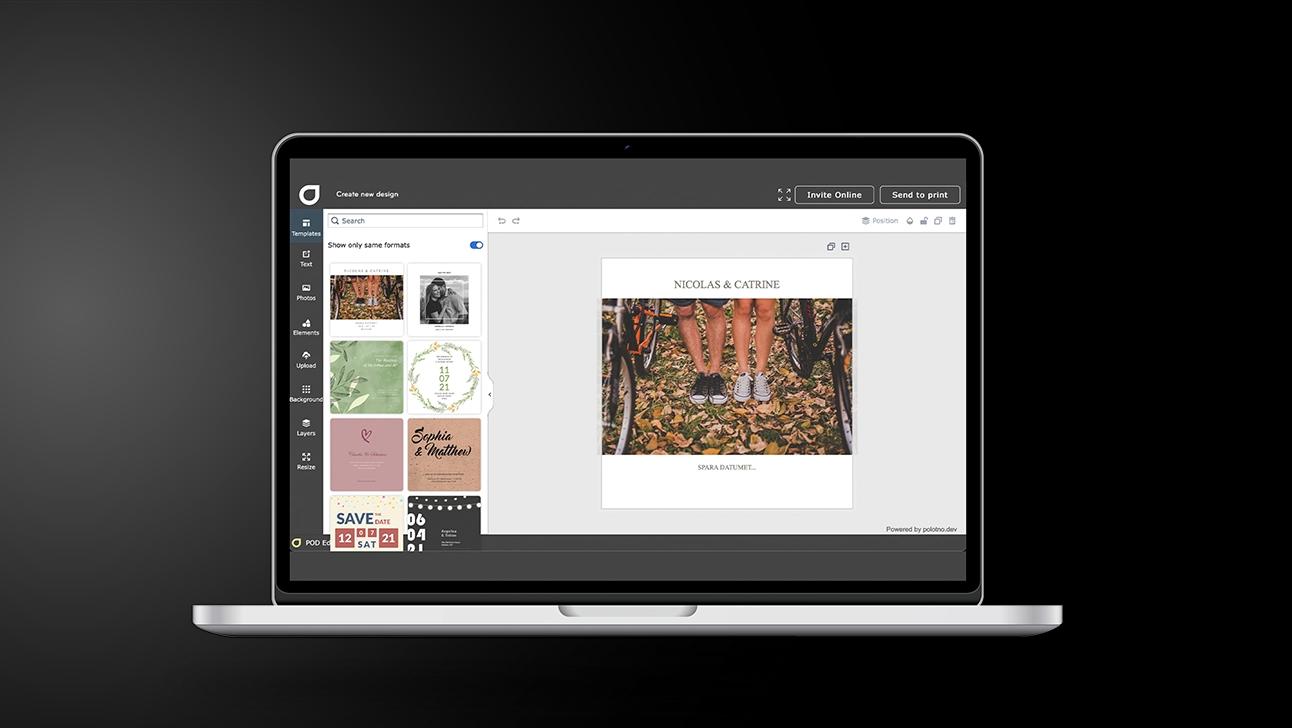
Create Wedding invitations in 5 steps
Start with the wedding format
Choose Wedding invitations and plan whether you’ll match them with save-the-dates.
Find a design you can reuse
Browse templates that can be adapted across place cards, menus, and thank-yous.
Make it personal
Add names, timing, location, and wording; keep the layout clean and easy to read on mobile.
Set up helpful online info
Add video if you like, plus sections such as accommodation and registry details.
Share with the right channel
Social sharing is the quickest; email is best when you want RSVP tracking and oversight.
Share online or invite by email with RSVP
Wedding invitations can be shared via social media or sent by email. Both options make delivery fast and convenient for guests.
Email invitations include RSVP functionality that keeps responses organised. Guest lists and special requests are collected in one place.
AI support for truly distinctive wedding designs
AI tools support the design process by suggesting layouts, styles and creative directions. This makes it easier to create unique Save the Date cards and wedding invitations.
Create matching wedding stationery with saved designs
All designs are saved and easy to retrieve at any time. This allows matching Save the Date cards, invitations and thank you notes to be created effortlessly.
Advanced design tools with wedding themes and images
Thousands of free wedding-related images, backgrounds and themes are available. These tools help shape a consistent and polished visual style.
Wedding invitations that tell your love story
Design and share elegant invites with AI-powered tools.
FAQ
The platform covers every part of a full wedding stationery set. From first announcement to final thank you, everything stays visually aligned.
Use social for quick sharing. Choose email if you want guest management features like RSVP tracking and add-on info sections (accommodation, registry, guest list, etc.).
There’s a huge template library—easy to customise with photos, video clips, free backgrounds, and extra design elements.
Go on exploring
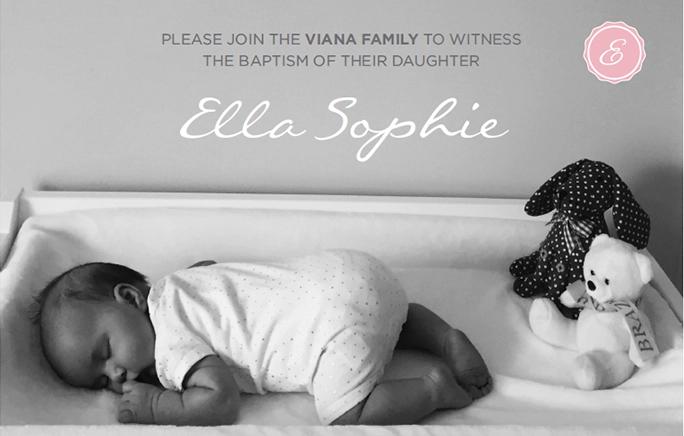


Begin with a template