

Baptism templates

Share on Instagram

Print options

Customer happiness guarantee
Choose a professionally designed christening template and personalise it in a few clicks—add names, date, venue and a photo, then you’re ready to share something that looks genuinely premium.
Share anywhere and get feedback immediately
Send your invitation via WhatsApp, Instagram, Facebook, Messenger or any channel your guests actually use, so it reaches everyone fast.
Share a preview link to collect comments, update one live version, and avoid “wrong file” mix-ups while finalising details.
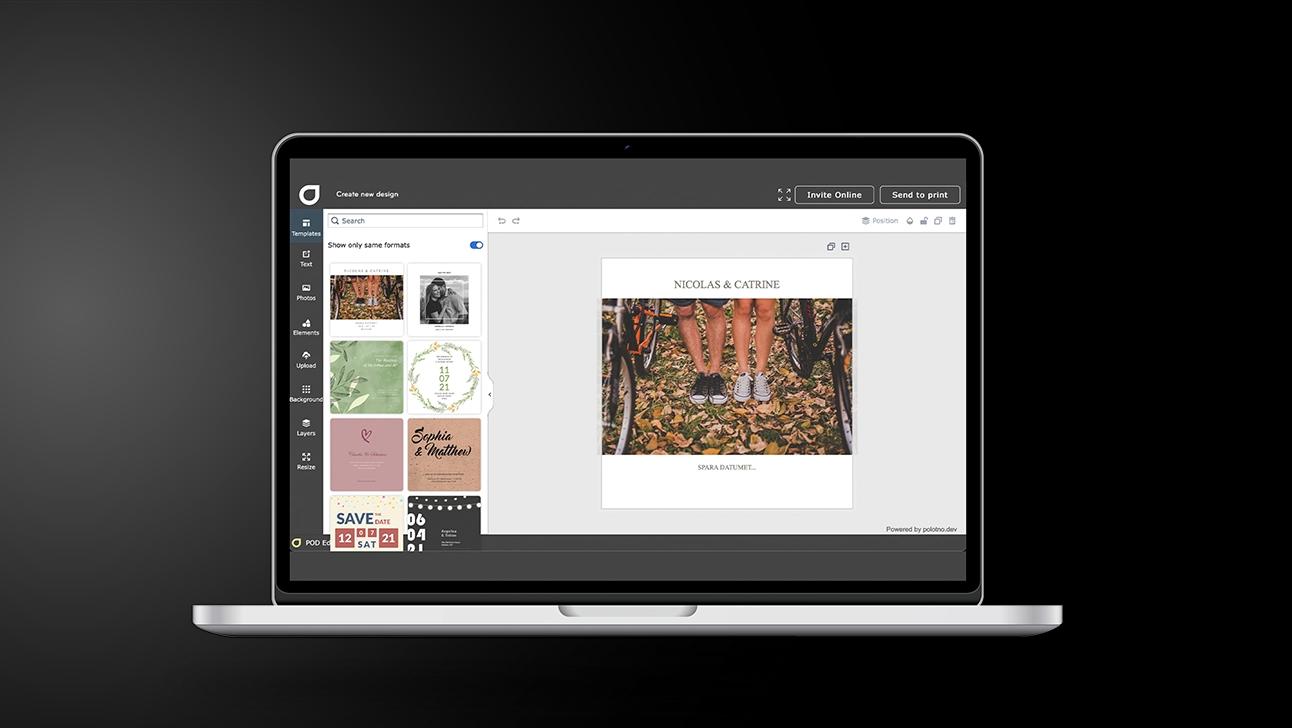
Christening Invitations: from first draft to “sent”
Start with the details, not the design
Lock the date, location, and time first, then choose your style.
Pick a template you can personalise quickly
One with a clear title area and room for a photo.
Write a warm, simple message
Keep it short; include names and any practical notes guests need.
Make it feel personal
Add a photo, adjust fonts, and fine-tune spacing so it looks calm and tidy.
Choose your delivery
Social for easy sharing; email if you want a tracking page with guest responses.
Use the new AI tool to create faith-themed imagery in your style
Generate custom visuals—crosses, doves, candles, church silhouettes—ranging from modern minimal icons to soft watercolour looks.
Match colours and mood to your template, then drop the image straight into your design for a cohesive, polished finish.
Email invites with the new block feature for a smarter event page
Pick blocks to include guest lists, a message board, key invitation details, schedule, maps, and extra notes—build a page that’s useful, not cluttered.
Upgrade photos with background removal + a free image library
Remove backgrounds in one click and explore thousands of free photos and backgrounds to create a clean, polished look—even if you’re starting with a quick phone picture.
Designs save automatically for matching thank-you cards
Once the christening is over, reuse the exact theme for thank-you cards in minutes—your layout, fonts, colours and elements are already saved.
Christening invitations for a cherished day
Design and send meaningful cards in minutes.
FAQ
Export in the format you need (PDF, image files, high-resolution print-ready output) so you can print locally or share digitally without limitations.
Yes. Social sharing is the quickest and most eco-friendly option. Choose email if you want RSVP tracking with a response page.
Yes. You can start from thousands of free templates and then swap text, fonts, colours, and images—either from the photo/background library or your own uploads.
Continue browsing


Begin with a template