Free templates

AI help

Marketing tool

Customer happiness guarantee
New, advanced design tools make notepads faster to build than ever—generate QR codes in seconds, share a live link for feedback, and keep approvals tidy without endless back-and-forth.
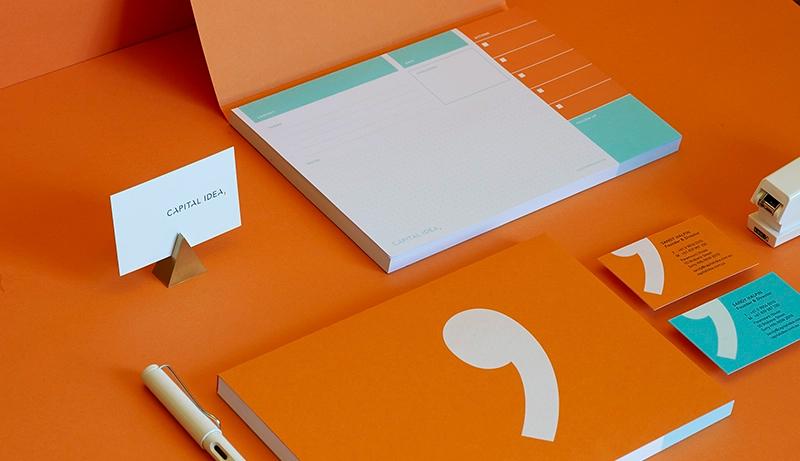
Use free logos and backgrounds to get moving instantly
Pick from a library of free logos, graphics, and backgrounds, then drag-and-drop your content into place for a clean, modern layout.
Upload your own assets too (brand mark, photos, icons) and save them for reuse—so every notepad stays consistent across teams and campaigns.
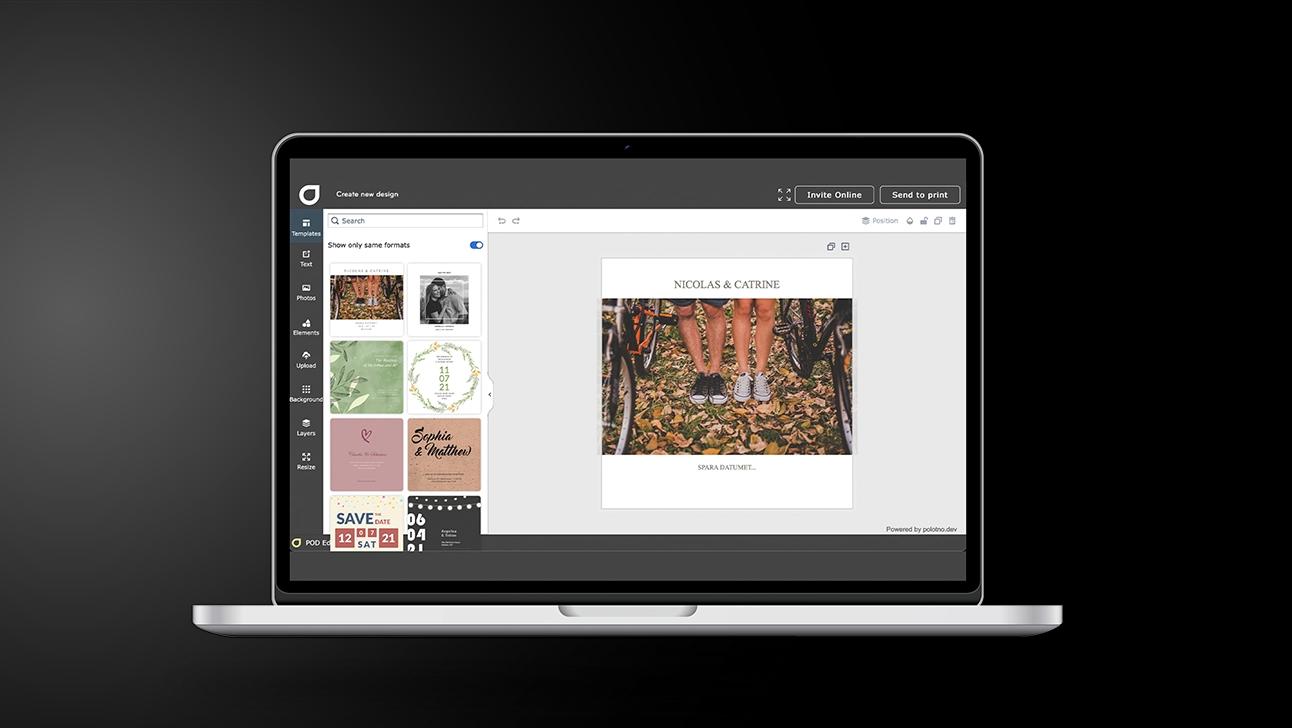
Notepads: a practical build process for consistent stationery
Set the format and purpose
Decide size, orientation, and how the pad will be used day to day.
Pick a template with breathing room
Choose a layout that keeps writing space generous and branding tidy.
Add brand essentials
Logo, colours, contact details, and preferred fonts—keep alignment crisp and consistent.
Share for approval
Send one clean preview for sign-off rather than circulating multiple attachment versions.
Finish your way
Order professional print and delivery, or export a high-resolution file when needed.
Take the fast lane: choose a template and add contact details
Start with a ready-made template and simply plug in your phone, email, website, address, or QR code—done in minutes, not hours.
Create a few purpose-built versions (sales, support, events) so the right notepad goes to the right people without redesigning from scratch.
Upload your corporate typeface when you need exact brand match
If your signature font isn’t in the library, upload it and apply it across headings and body text for a truly on-brand finish.
Notepads are practical—and surprisingly effective at events
Bring them to trade fairs, client meetings, and site visits: they’re useful in the moment and keep your name visible long after the conversation ends.
Save your full setup to build matching stationery later
Once your notepad is approved, your layout, logo placement, colours, and type choices are saved—making it easy to create coordinated letterheads, cards, and more.
Notepads that bring clarity to every working day
Create and customise structured pages with ease.
FAQ
Repeat clients are recognised and previous designs stay on file, so reordering is effortless—update a detail if needed, then send it straight to print again.
The AI assistant can generate logo concepts and matching imagery from your brief, and there’s also a large free image library to browse.
Yes. You can generate a QR code in a few clicks and adjust its colour and size. Fonts are available in the library, and you can upload your corporate typeface so it’s saved in your account.
More than notepads


Begin with a template