Kids invite templates

Upload video clips

Share on socials

Customer happiness guarantee
A kids’ birthday is a milestone—and the fun starts with the invite. Create a stunning, fully customised invitation on a design platform that’s just as impressive as the celebration you’re planning.
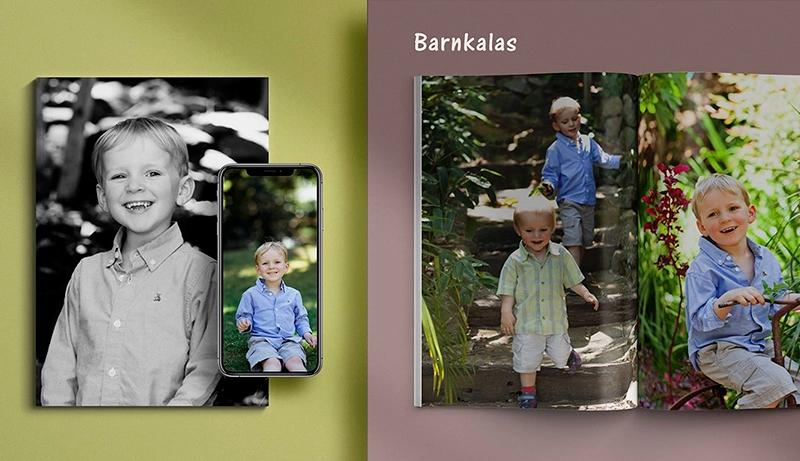
Get a head start with one pro-designed kids’ template
Pick a polished children’s party template and personalise the essentials fast—name, age, date, time, location—so you’re ready to share in minutes.
Then tailor the theme to your child (space, animals, princess, dinosaurs, football, gaming) by adjusting colours, fonts, and playful details for a truly one-of-a-kind look.
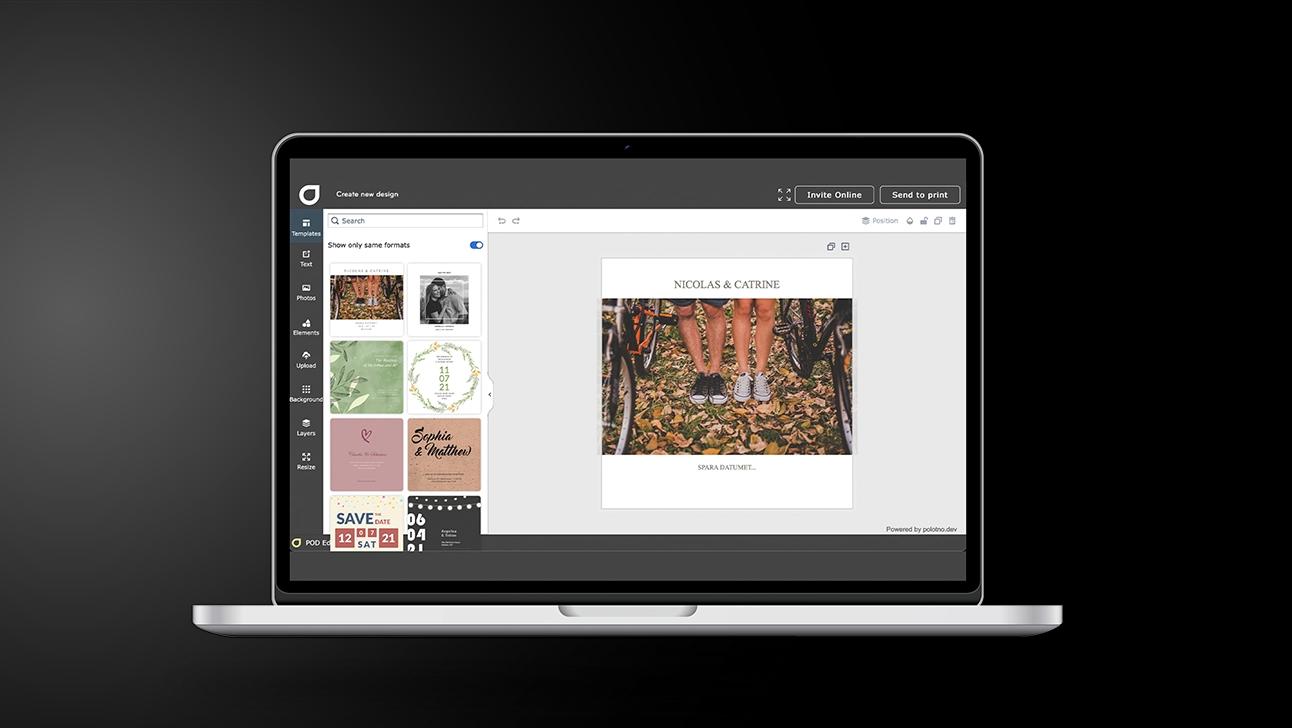
Kids’ party invitations in 5 steps (theme → send)
Choose the product
Start with Kids’ party invitations and decide the vibe (theme, age, playful vs. tidy).
Filter by theme
Search templates by interests (dinosaurs, princess, sports, space) and pick a strong starting layout.
Add the party essentials
Time, address, RSVP deadline, and any notes (allergies, dress-up, what to bring).
Personalise the fun
Upload photos, swap fonts/colours, and drop in a video clip if you want extra excitement.
Share the finished invite
Social sharing is the quickest; use email if you want tracking and an RSVP summary.
Add video clips to your online invitation
Drop in a short video message from the birthday kid, a fun theme teaser, or a quick “See you there!” clip to boost excitement instantly.
Use video to make details clearer too—costume notes, surprises, parking tips—so guests understand everything without reading a long block of text.
Use blocks for party details + RSVP
Add blocks for the schedule, address, map, guest list, message board, gift notes, and more—organised and easy to scan. Turn on RSVP to track replies and headcount without chasing people.
Share instantly on WhatsApp and social channels
Send a link via WhatsApp, Instagram, Messenger, or anywhere your guests are—quick to open on mobile and easy to forward.
Access thousands of free backgrounds
Switch between confetti, patterns, rainbows, animals, space, glitter, or clean modern styles—one click can change the whole vibe.
Kids' party invitations full of colour and fun
Create and share personalised designs in minutes.
FAQ
Yes — there are hundreds of themed templates you can search and filter, plus easy photo uploads, font changes, and edits.
Yes. Email invites can include add-on info blocks you choose—registry links, details, accommodation, photo board, message board, and more.
Yes — upload your own video or choose a clip from the large video library for online invitations.
All type of invites


Begin with a template