Communion templates

1000s of templates

Free photo library

Customer happiness guarantee
First Communion is an important milestone and a meaningful reason to gather and celebrate. It all begins with an invitation created on the platform, designed to honour the occasion.
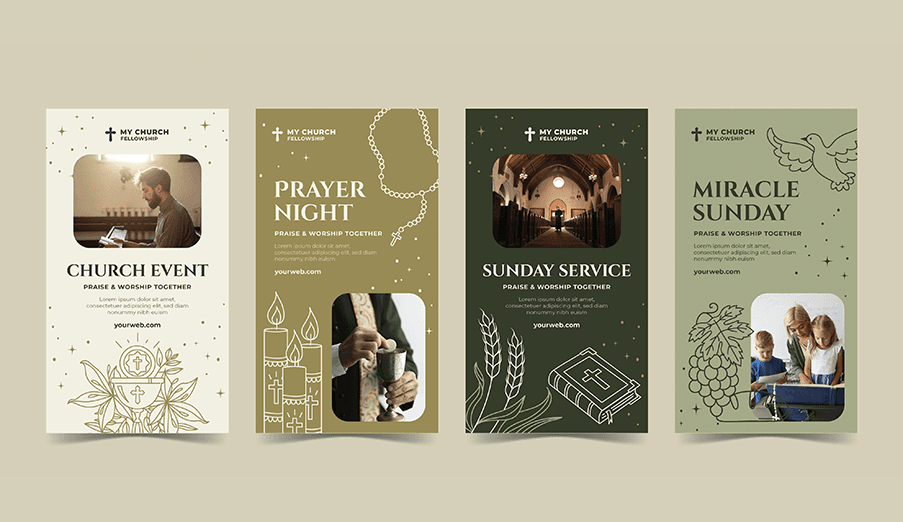
Professional First Communion templates for a quick start
Thousands of professionally designed First Communion templates are available to help get started quickly. These layouts provide a clear structure suited to the ceremony.
Each template can be customised in text, colours and visual style. This makes it easy to create a personal invitation without design experience.
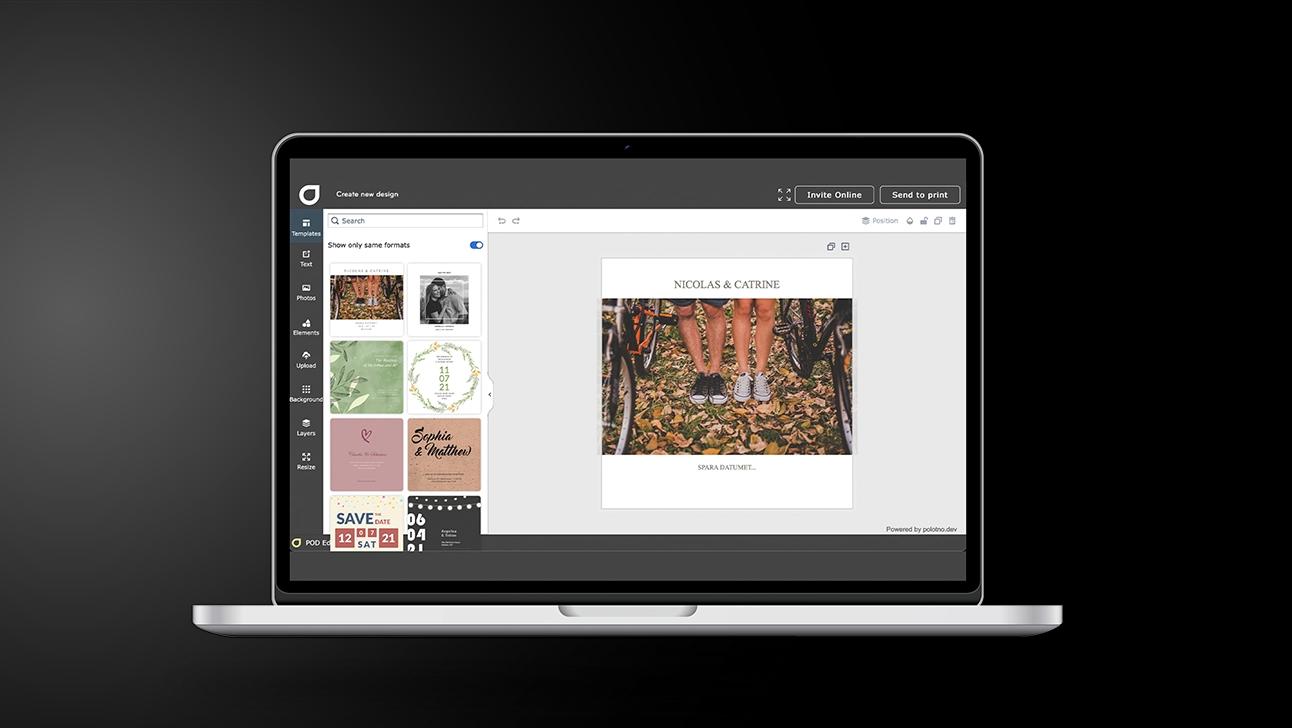
Create First Communion invitations in 5 steps
Select the right product
Open First Communion invitations and choose whether it’s an invite, announcement, or both.
Start from a template
Filter by theme and tone to find a layout that already feels appropriate.
Add the key details
Names, date, venue, timings, and any notes; keep the layout easy to scan on mobile.
Refine the design
Use the image library, upload photos, or let AI suggest a fitting look and wording.
Send it out
Share on social for quick delivery; use email if you want RSVP tracking and a response summary.
Free religious images to enhance the invitation design
The platform includes thousands of free religious images suitable for First Communion invitations. These visuals help convey the spiritual meaning of the event.
Images can be combined with personal photos directly in the editor. This creates a balanced invitation that feels both personal and respectful.
AI support for truly unique Communion invitations
The AI assistant offers creative ideas and visual suggestions for Communion invitations. It helps shape designs that feel original while remaining appropriate for the ceremony.
Online sharing options for modern invitations
Invitations can be shared online through social media and digital channels. This makes it easy to reach family and friends wherever they are.
Advanced yet easy design tools like background removal
Advanced tools such as background removal are built into the editor. They help refine images and create cleaner, more polished designs.
First Communion invitations that honour tradition
Create and send elegant invitations with AI support.
FAQ
Email invitations include access to a tracking page with RSVP summaries. Additional features like guest lists and message boards support event organisation.
Yes. It can suggest what to include on the invite (key details, wording, tone) and create faith-inspired imagery if you don’t find the right photo in the library.
Social is the most popular: quick and eco-friendly. Use email if you need RSVP tracking and a guest-response page.
And much much more




Begin with a template