Flyers templates

Boost sales

Budget-friendly

Customer happiness guarantee
Flyers remain an efficient way to increase sales and spread information quickly. They are a core element of the marketing mix and work well as giveaways in many settings.
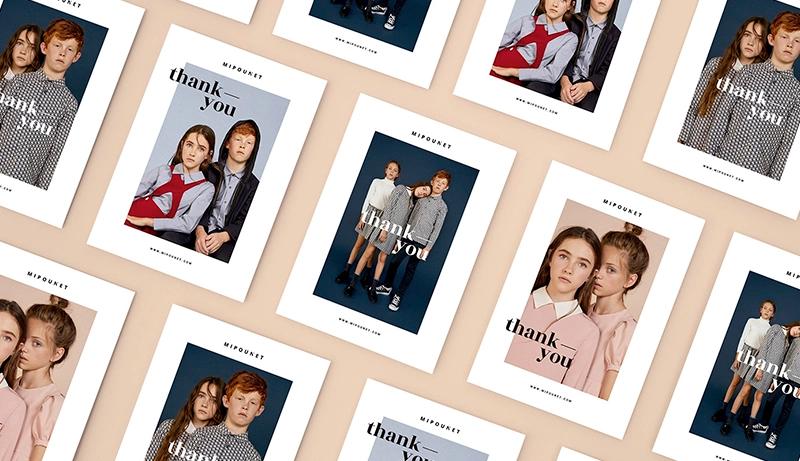
Professionally designed flyer library with smart filters
A large library of professionally designed flyers is available for different industries and campaigns. Search and filter tools make it easy to find the right layout.
Each flyer can be customised to fit the message and audience. This ensures speed without sacrificing quality.
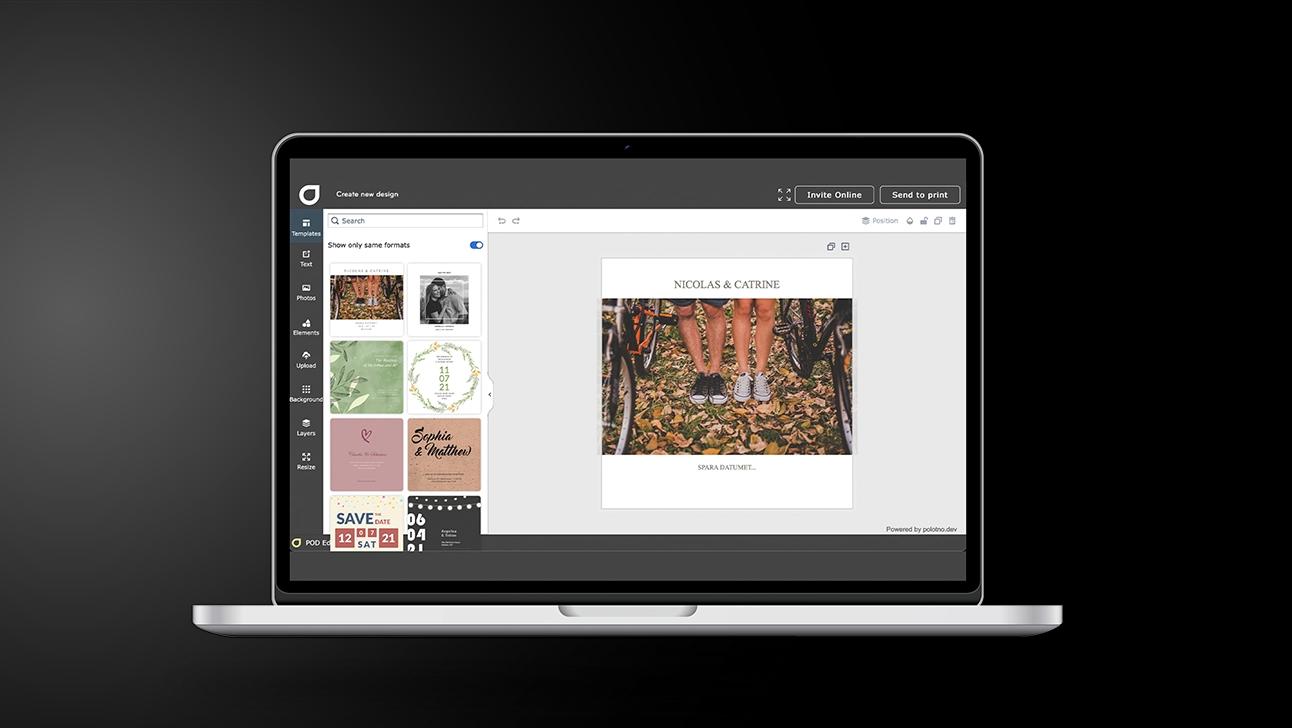
A Flyers workflow based on how people actually read
Pick the scenario
Social post, in-store handout, or trade-show sheet—choose one primary use.
Choose a layout that supports scanning
Choose a layout that supports scanning: clear hierarchy, short headings, and strong spacing. Keep key details near the top, use one primary callout, and avoid clutter. A structured template helps readers grasp the point in seconds.
Write the “reason to care”
One strong hook, one key benefit, and one clear next step (don’t overstuff).
Add visuals that prove the offer
Use free high-res backgrounds/images or upload product shots; drop in a QR if useful.
Release it
Share via social for fast reach; download a print-ready file for physical distribution.
Thousands of product images ready to use
Thousands of product images are available to support flyer design. These visuals help communicate value and attract attention instantly.
Images can be uploaded or selected directly from the library. Everything stays within the same design workflow.
AI assistant for sales messages and unique visuals
The AI assistant helps generate selling points and visual ideas. It supports the creation of flyers designed to drive interest and increase conversions.
Share flyers on social media for fast distribution
Flyers can be shared digitally through social media channels. This approach is fast, cost-efficient and more environmentally friendly.
Add video clips when flyers are shared online
Digital flyers support video integration to enhance the message. Videos help present products or offers in a more engaging way.
Flyers built for promotions and reach
Create and distribute advertising flyers with AI support.
FAQ
Built-in tools allow quick creation of QR codes and other interactive elements. These features make flyers more actionable and measurable.
Yes — it can suggest high-performing messaging based on the type of business and create unique visuals that fit the promotion or event.
Yes. Social media sharing is now the most common approach: fast, cost-effective, and eco-friendly.
Marketing is more than flyers


Begin with a template