Easter templates

Browse Easter themes

Design in minutes

Customer happiness guarantee
Easter cards are a thoughtful way to send seasonal greetings. Creating a personalised Easter card on the platform is quick and easy.

AI assistant for unique Easter creations
The AI assistant helps create Easter eggs, illustrations and visual elements from simple prompts. This opens up creative options without technical skills.
Different visual styles can be explored depending on the tone needed. Each card can feel distinct and personal.
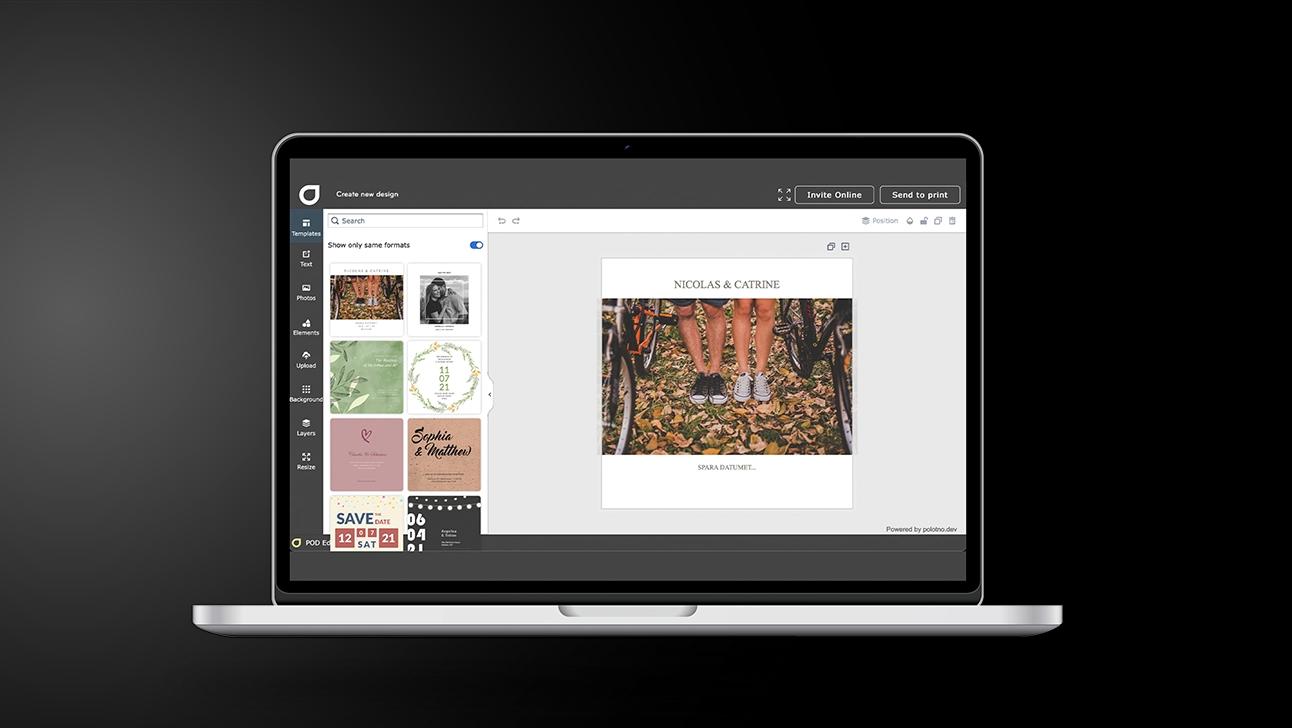
Easter Cards: five steps that keep the greeting polished
Choose the intent
Personal greeting, client message, or dinner invite; your purpose determines the tone.
Start from a template that fits
Filter styles and pick a layout that gives space to both message and visuals.
Add copy with a clear hierarchy
One main line, one sign-off; refine spacing so it reads well on mobile.
Build the look
Upload photos, use free Easter-themed imagery/backgrounds, and add motion only if sharing online.
Send and save
Share via social/email, then keep the design stored so you can reuse it next time.
Free images and backgrounds for Easter designs
Thousands of free images and backgrounds are available for Easter cards. These assets help create a cheerful seasonal atmosphere.
Images are easy to add and combine within the design. The result feels consistent and well balanced.
Sharing Easter wishes online with ease
Sharing Easter wishes online has become increasingly common. With one click, the card can be delivered instantly, making it easy to stay connected without physical distribution.
Advanced yet accessible design tools
New design tools include one-click background removal, layer controls and visual adjustments. These features help achieve cleaner layouts and more polished Easter card designs.
Download Easter cards in any required format
Easter card designs can be downloaded in multiple formats, including print-ready files with bleed and crop marks. This supports both digital sharing and professional printing.
Easter cards for meaningful seasonal messages
Create and send spring greetings with AI support.
FAQ
All Easter card designs are saved automatically and remain editable. This makes it easy to reuse the same design and adapt it for future Easter celebrations.
Yes. The AI assistant can generate custom images and guide the creation with content suggestions and layout ideas.
Yes—there are hundreds of Easter templates you can personalise with images, video, and any typeface. You also get access to a free library with thousands of images, including Easter-themed options.
After Easter


Begin with a template