Business cards templates

1000s of templates

QR code included

Customer happiness guarantee
Business cards remain one of the most common ways to share contact information in a digital world. They are often the very first stationery item a new business orders.
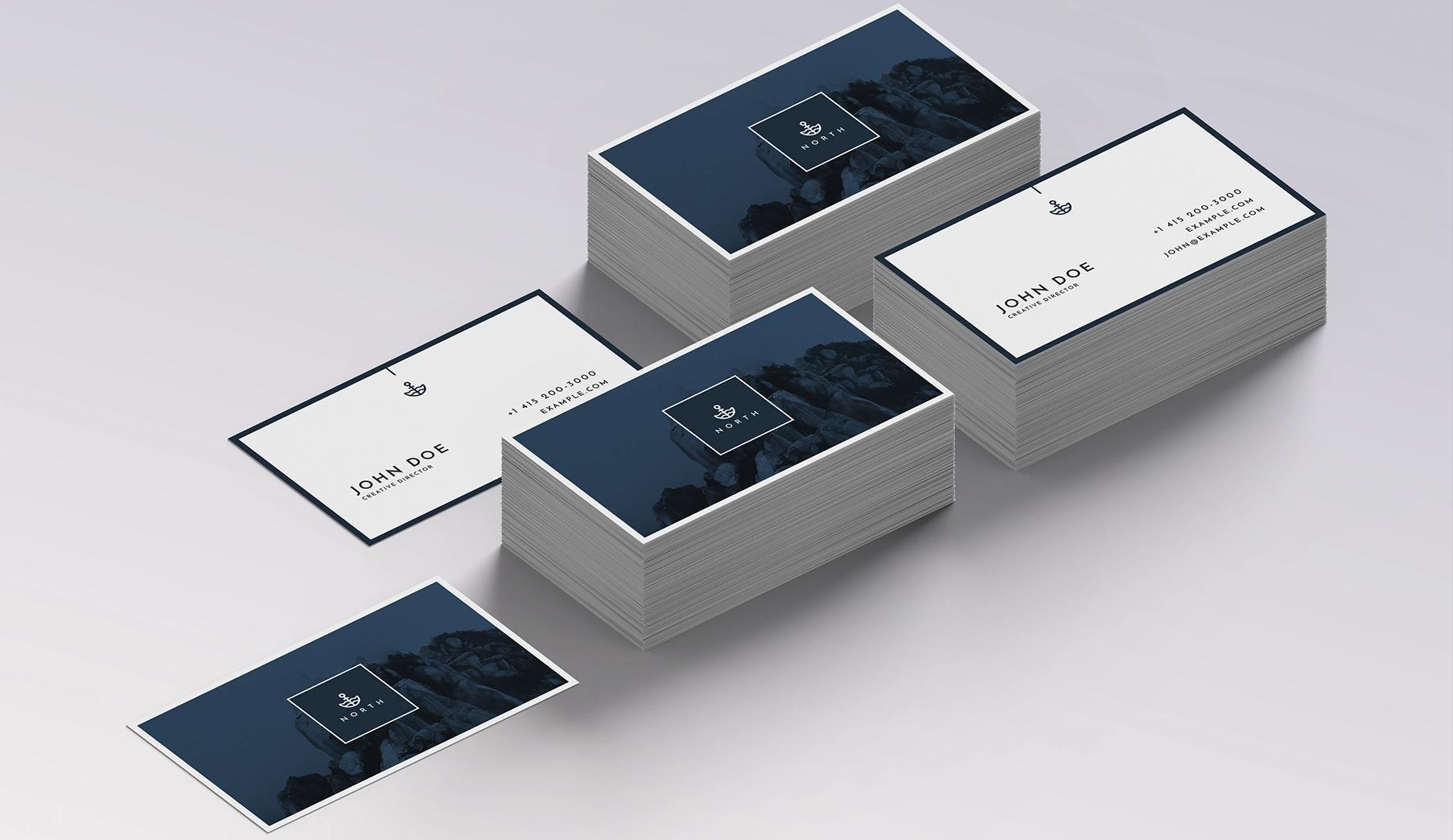
Thousands of business card templates in every style
Thousands of business card templates are available, covering everything from classic layouts to bold, modern designs. This makes it easy to find a style that fits the brand.
Each template acts as a flexible starting point that can be fully customised. The result is a professional card without starting from scratch.
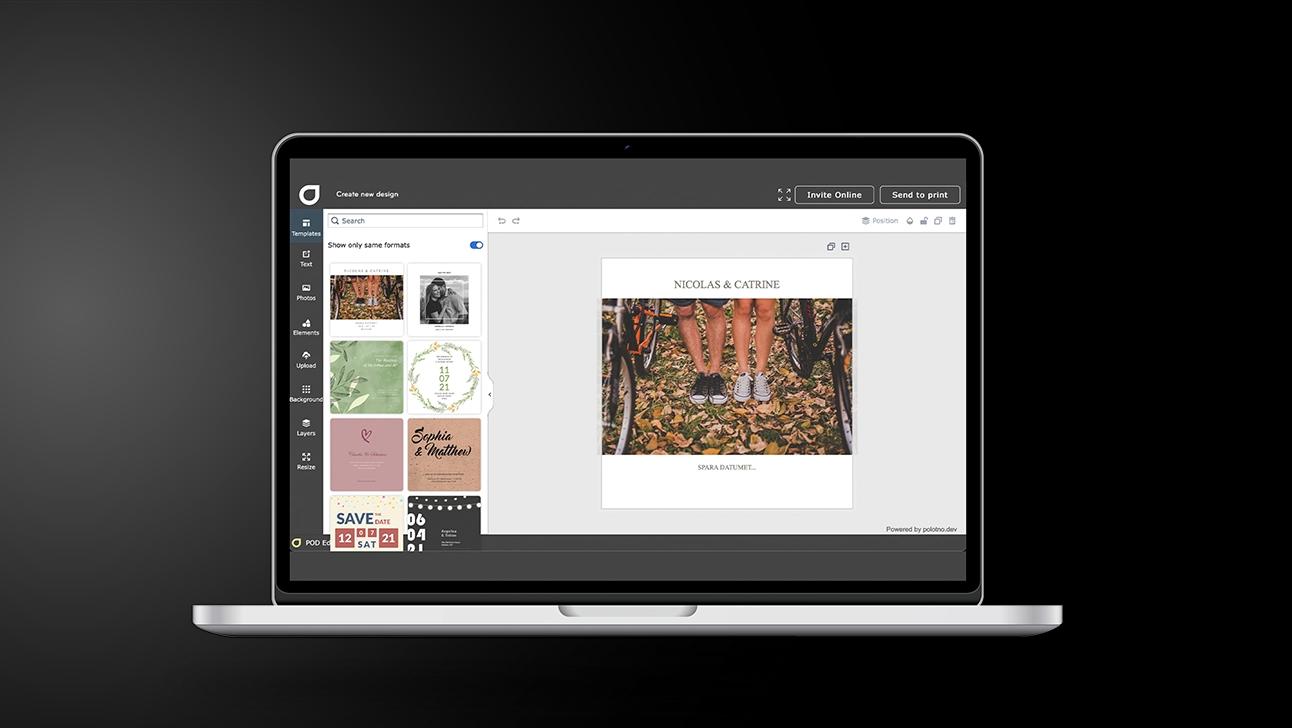
Build professional Business cards in 5 steps
Set the purpose first
Decide what the card should do: generate leads, support sales, or represent you at events.
Start with a smart layout
Pick a template that fits your industry and keeps information scannable at a glance.
Add the essentials only
Name, role, company, and one or two contact routes; keep whitespace working for you.
Brand it with precision
Drop in your logo, align fonts to your brand, and ensure high contrast for readability.
Export print-ready
Download a high-res file and keep the design saved for future edits and matching stationery.
Free access to images and logos inside the design platform
The platform includes a large library of free images and graphic elements. These assets can be used directly in business card designs at no extra cost.
Existing logos can be uploaded easily, or new visual elements can be explored. Everything is handled in one design environment.
Build a corporate identity with help from the AI assistant
The AI assistant helps shape a brand identity by generating ideas based on simple instructions. It suggests visual directions, layouts and styles that align with the business.
Easy reordering and editing when details change
Saved designs can be edited whenever contact details change or new employees join the company. Reordering updated business cards takes only a few steps.
Save as a print-ready file or share for comments
Once created, the design can be applied to other stationery products. This keeps business cards, letterheads and envelopes visually consistent.
Business cards that reflect your brand clearly
Create polished cards fast with smart design tools.
FAQ
New tools are added regularly, including QR code generators and quote libraries. These features expand design options while keeping the workflow simple.
Yes — the AI assistant can recommend card styles based on your business type, suggest matching stationery ideas, and generate unique logo concepts.
Yes — your design format and uploaded assets are saved, so you can reuse the look across other stationery quickly.
Explore all resources


Begin with a template