Event invite templates

AI help for events

Send as e-card

Customer happiness guarantee
Once a corporate identity with logos, fonts and visual rules is established, it can be easily retrieved and applied to corporate event invitations created on the platform.

Ready-made templates for corporate events
Thousands of templates are available for corporate event invitations such as product launches, conferences and business gatherings. Each template is built with a clear, professional structure.
Templates adapt easily to different audiences, including customers, partners and media. This makes it possible to communicate consistently across events.
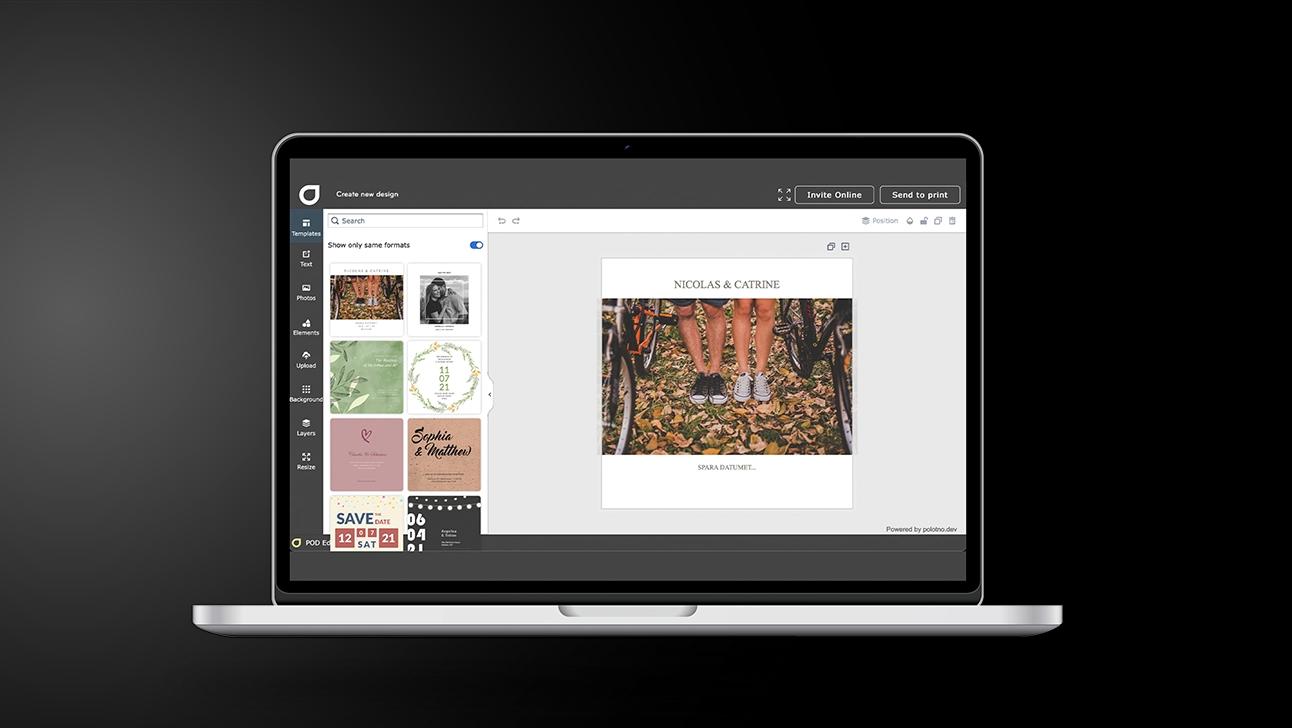
Create Corporate event invitations in 5 steps
Clarify the “why”
Decide what success looks like (attendance, sign-ups, meetings) and who you’re targeting.
Build a decision-friendly layout
Lead with the value, then add date/location, highlights, and a clear next step.
Apply brand assets
Drop in logo, typography, imagery, and optional video without cluttering the message.
Add a response path
Insert a QR code to registration or a landing page and test that it scans and reads cleanly.
Choose the send route
Social sharing for reach; email when you need RSVP tracking and a response summary.
Professional fonts and custom typeface uploads
Hundreds of professional fonts are available directly in the design tool. They support a wide range of corporate tones and brand styles.
If a specific corporate font is required, it can be uploaded easily. Uploaded typefaces are saved automatically for future use.
Free access to photos and visual assets
The platform provides free access to a large image library, including product and corporate visuals. These assets strengthen the visual impact of event invitations.
AI assistance for event-focused content and layouts
The AI assistant supports content creation and visual direction for event invitations. It helps align messaging with marketing and communication goals.
Advanced design tools like QR codes and background editing
Built-in tools include a free QR code generator and background removal options. These features improve usability and give invitations a cleaner finish.
Corporate event invitations with marketing power
Create professional digital invites using smart AI design.
FAQ
Online invitations allow you to integrate video clips directly into the design. This is ideal for showcasing the event, a product, or a message from the organizing team.
With Corporate event invitations, you can add a video alongside images and the key event details in a single invite. This keeps everything together in one place, so recipients can view the content and get the information they need without extra attachments or follow-up messages.
Yes — you can browse a free library with thousands of high-resolution images and backgrounds ready to drop in.
Other important marketing tools


Begin with a template