Wedding invitations templates

Pre-made templates

Share digitally

Customer happiness guarantee
Wedding invitations and Save the Date cards can be shared online or by email. Email delivery includes a tracking page with RSVP summaries, guest lists, special requests and a shared message board.
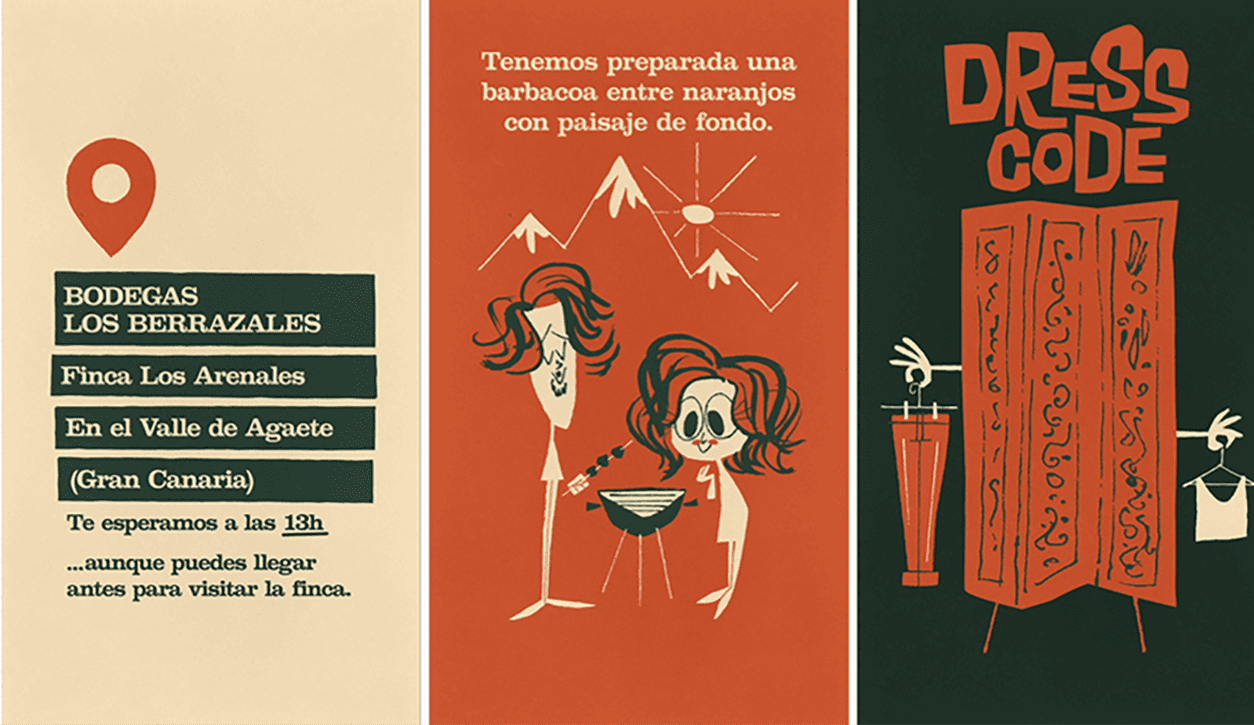
Save the Date first, then wedding invitations with a matching design
Save the Date cards announce the wedding date early and help guests plan ahead from the start. They are especially useful when travel, accommodation or long-term scheduling is involved.
Once created, the design remains saved and can be reused for the wedding invitation and related stationery. This ensures visual consistency and avoids repeating the design process.
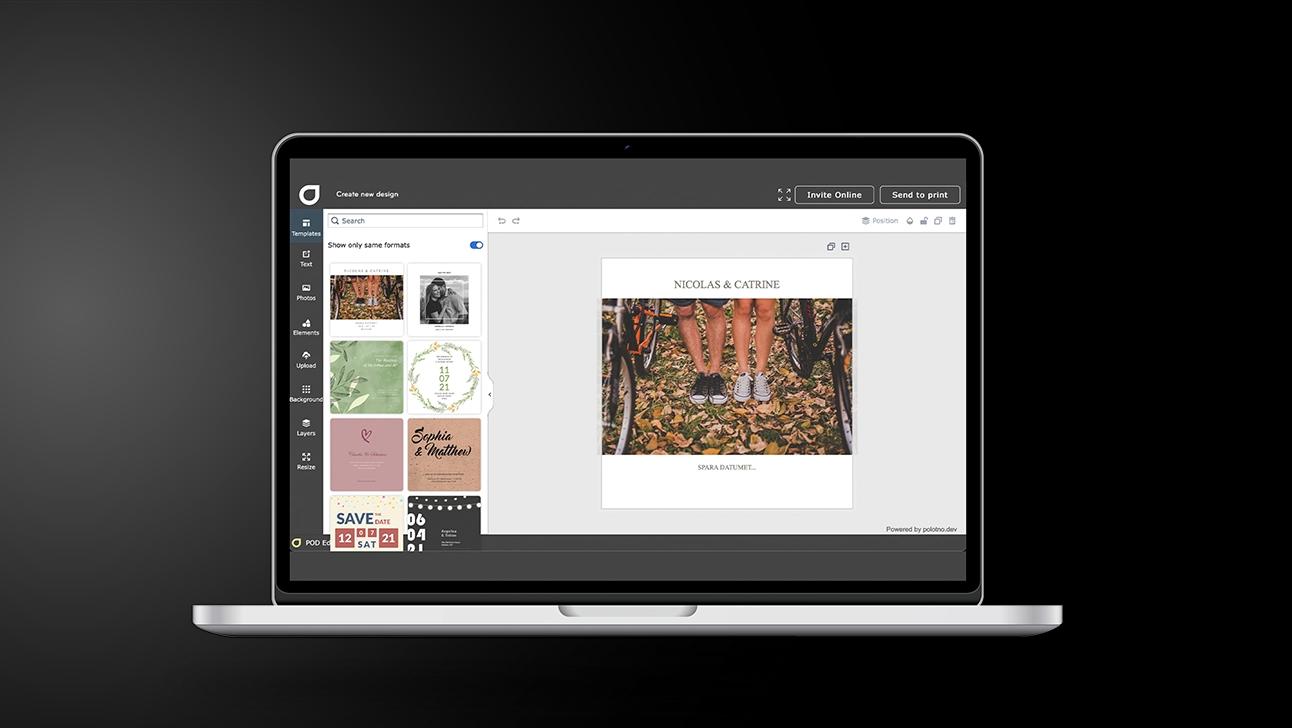
Wedding invitations in 5 steps (from template to send)
Choose the right product
Start with Wedding invitations, and decide if you’ll also create save-the-dates.
Pick a cohesive template
Filter styles to find a design that can carry across your whole wedding suite.
Customise the details
Add names, date, venue, and notes; refine fonts, colours, and imagery.
Enhance the digital version
Add a video clip and include practical sections like accommodation or registry info.
Send it your way
Share on social for speed; use email if you need tracking and an RSVP summary.
Ready-made wedding templates easy to personalise
Wedding templates cover a wide range of styles, from timeless elegance to modern minimalism. Each layout is structured to present key information clearly and attractively.
Text, colours, fonts and images can be edited directly in the design tool. This makes it easy to customise invitations without relying on external software.
AI tools for more distinctive wedding designs
The AI assistant suggests layouts, visual styles and refinements tailored to wedding invitations. These suggestions help improve balance, clarity and overall visual impact.
Easy sharing via social media or email
Online sharing ensures instant delivery to all guests across different channels. Email invitations include RSVP tracking to keep responses organised and accessible.
Free wedding-themed photos and backgrounds
The free library includes thousands of images and backgrounds related to weddings and celebrations. These assets help define a consistent visual tone across all designs.
Wedding invitations that set the tone
Create refined digital invites using smart design tools.
FAQ
Background removal improves how portraits integrate into the layout, removing visual noise. This results in invitations that look more polished and professionally designed.
Social sharing is the simplest and fastest. Email unlocks more features, like an RSVP tracking page and extra info blocks (accommodation, registry, guest list, and more).
Yes — there are thousands of templates you can customise, with support for images, video clips, free backgrounds, and more.
Go on exploring
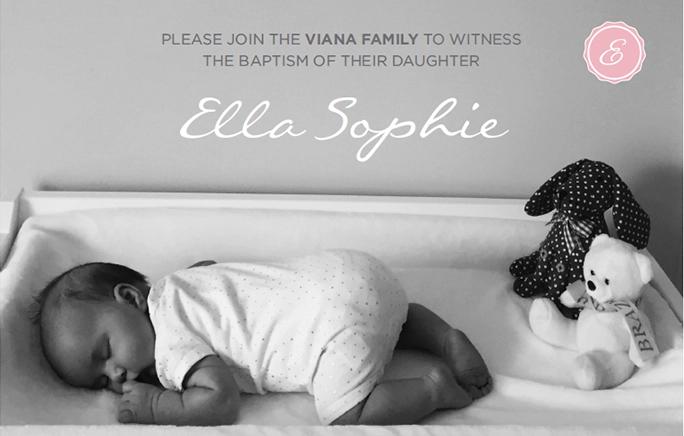


Begin with a template