

Baptism templates

Upload a video

Save print file

Customer happiness guarantee
Meet the new AI helper: it guides wording and etiquette, suggests meaningful faith-themed details, and can generate matching imagery—so your baptism invitation feels polished, personal, and beautifully consistent.
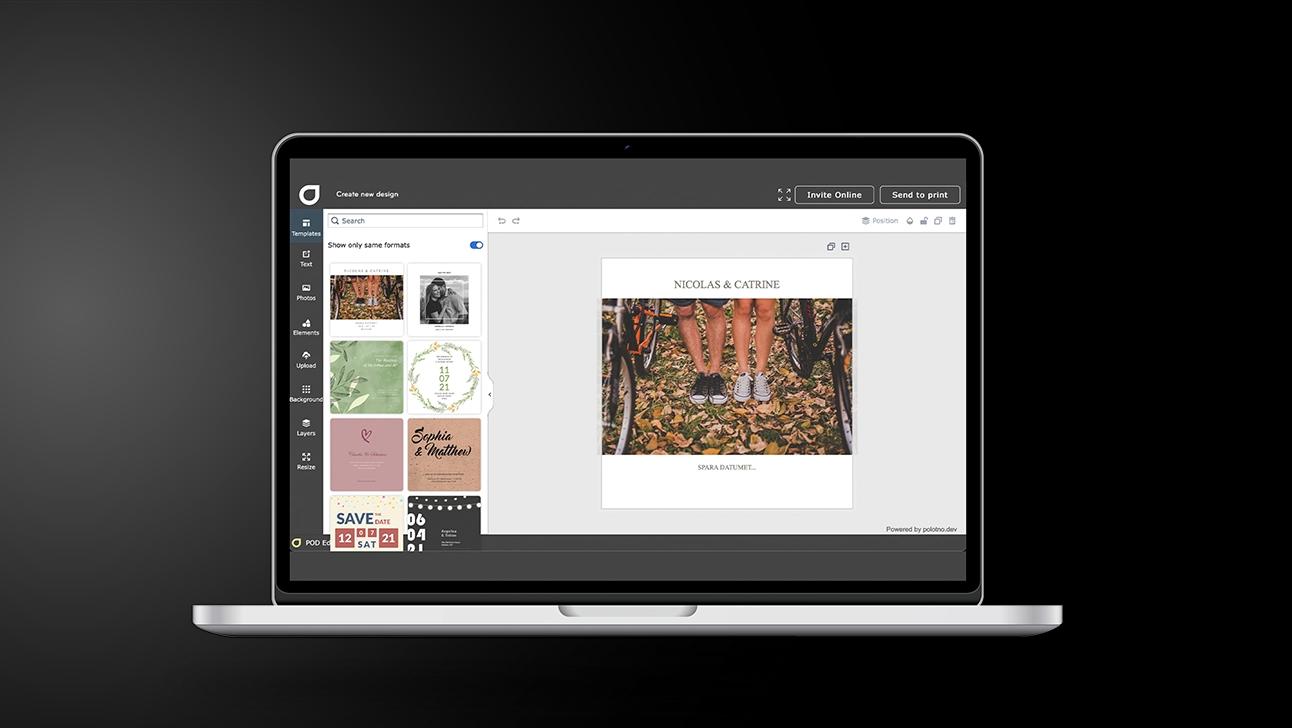
Start from a template and personalise it in minutes
Choose from hundreds of baptism invitation templates, then drop in the name, date, church details, and a favourite photo—your layout updates instantly.
Fine-tune the look with quick edits (colours, fonts, wording, godparents, reception info) so it feels uniquely yours without doing a full redesign.
Build Baptism Invitations like a mini one-page brief
Set the purpose
Announcement, ceremony invite, or both; your goal decides the layout and wording.
Choose a template that matches the mood
Minimal, classic, or photo-led; pick one that reads at a glance.
Drop in the essentials
Name, date, venue, time, plus a short note; keep the hierarchy obvious.
Refine the design
Use free backgrounds/images or uploads; align elements and keep plenty of white space.
Send it digitally
Social sharing for speed; email when you need tracking and attendance confirmations.
Add every key detail using the new “blocks” on your event page
Insert blocks for ceremony time, address, map, parking, reception plan, dress code, and gift notes—everything stays neat and easy to scan.
Rearrange, duplicate, or hide blocks for different audiences (family vs. friends) so each guest sees exactly what they need, without clutter.
Email it with an RSVP page and track replies
Send your invite by email with an RSVP page so you can follow responses, guest counts, and “still pending” invites—no spreadsheet juggling.
Add video to your online invitation with a click
Include a short welcome message, a family montage, or a sweet clip of the baby—video makes the invitation feel warmer and more memorable.
Save your design to match thank-you cards and more
Keep the theme on file and reuse it for thank-you cards, keepsakes, announcements, or place cards—consistent style, zero extra effort.
Baptism invitations filled with grace
Create and share heartfelt invitations with ease.
FAQ
Remove distracting backgrounds, clean up images, and make your photo look crisp and centred—ideal for a clean, print-ready invitation.
Both work. Social sharing is quick, cost-effective, and eco-friendly. Use email when you need RSVP tracking with a tracking page.
Yes—there are thousands of free templates. You can tailor text, fonts and colours, choose from the photo/background library, or upload your own pictures.
Continue browsing


Begin with a template