Free templates

Marketing-ready

Free logos

Customer happiness guarantee
Keep your brand within reach with custom note pads—ideal for service calls, trade shows, front desks, and daily meetings. Design once, reuse everywhere, and leave a professional impression on every page.
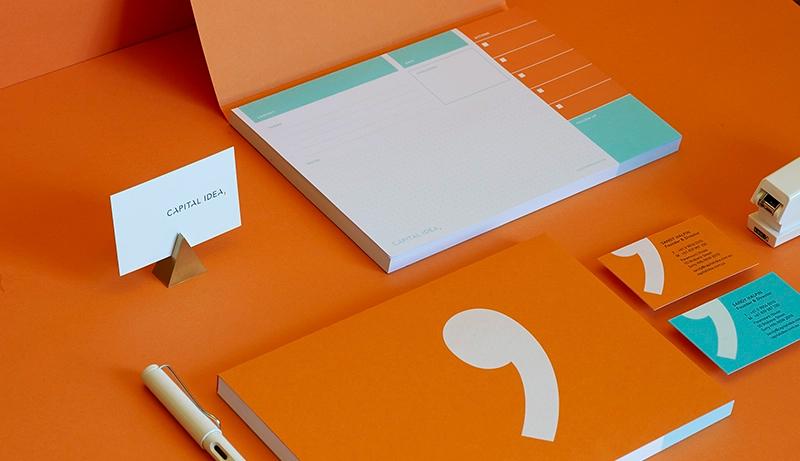
Turn note pads into “leave-behind” brand reminders
Hand them out after demos, consultations, site visits, or onboarding sessions so prospects, partners, and suppliers keep your name on their desk.
Add a simple CTA (website, QR code, booking link, “Call for a quote”) so every note naturally nudges the next step—and consider adding a small footer line for hours or service area.
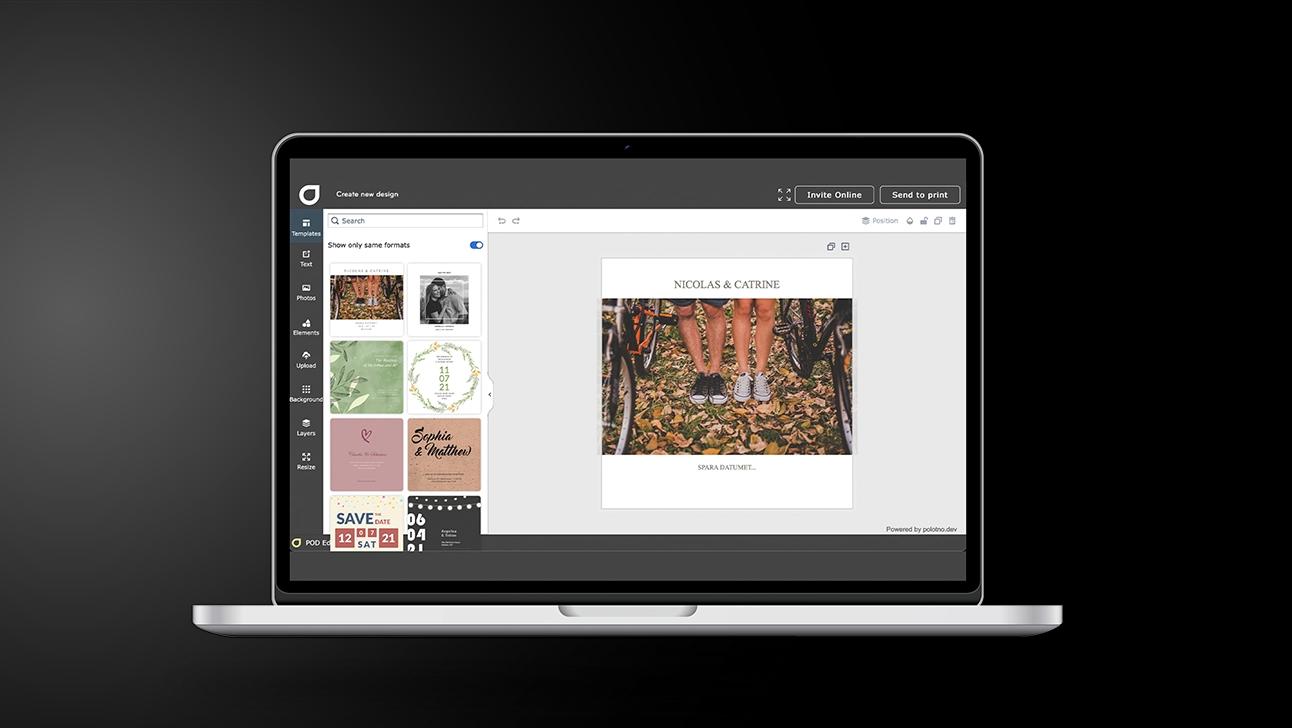
Custom Note Pads: a print-ready workflow you can reuse
Choose the notepad format
Start with size and orientation, then pick a layout that suits daily note-taking.
Select a template with structure
Use a design that leaves clear writing space while keeping branding visible.
Build the brand layer
Add logo, colours, contact details, and your corporate font for a consistent look.
Get internal sign-off
Share a preview link so teammates can approve the layout before exporting.
Download for local printing
Export a high-resolution file with bleed and trim marks for your print shop.
Build fast with free visuals and easy logo upload
Pull from a huge library of graphics and photos, then drop in your logo in seconds for a clean, on-brand layout that looks polished right away.
Bonus: save a mini “brand kit” (logo versions, icons, colours, fonts) and reuse it across designs—plus keep a few ready-to-go variations (minimal, bold, event) for different teams and occasions.
Auto-save your layout and apply it across stationery
Save your note pad design as a reusable template and roll it onto matching business cards, letterheads, envelopes, and more—without rebuilding from scratch.
Use advanced design tools without the headache
Fine-tune spacing, typography, and alignment with modern controls that stay simple. Create a crisp, print-ready look even if you’re not a designer.
Share instantly for internal review and sign-off
Send a share link for feedback and approvals, collect comments in one place, and avoid version chaos before you hit print.
Custom note pads for organised, professional teamwork
Design and share practical layouts in minutes.
FAQ
Download a press-ready file for local printing anytime. Or order eco-certified paper printing and have your custom note pads shipped directly to your location.
You can describe what you need to the AI assistant to generate logo ideas and visuals, or choose from a free image library with thousands of assets.
Yes. QR codes can be generated and resized/coloured easily. You can also choose from hundreds of fonts or upload your own corporate typeface and keep it saved in your profile.
More than notepads



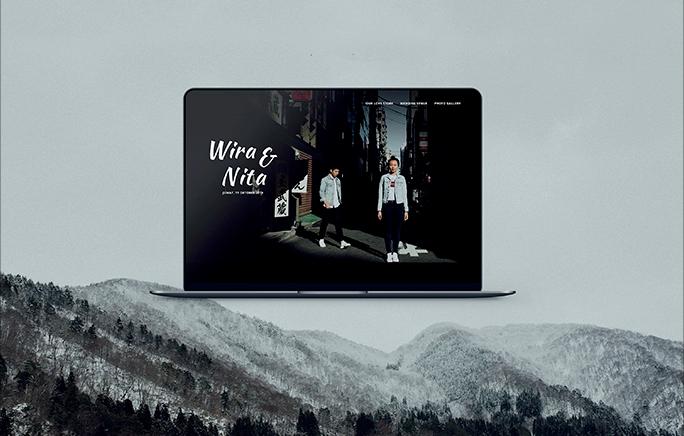
Begin with a template